
Contact Duplicate Sweep 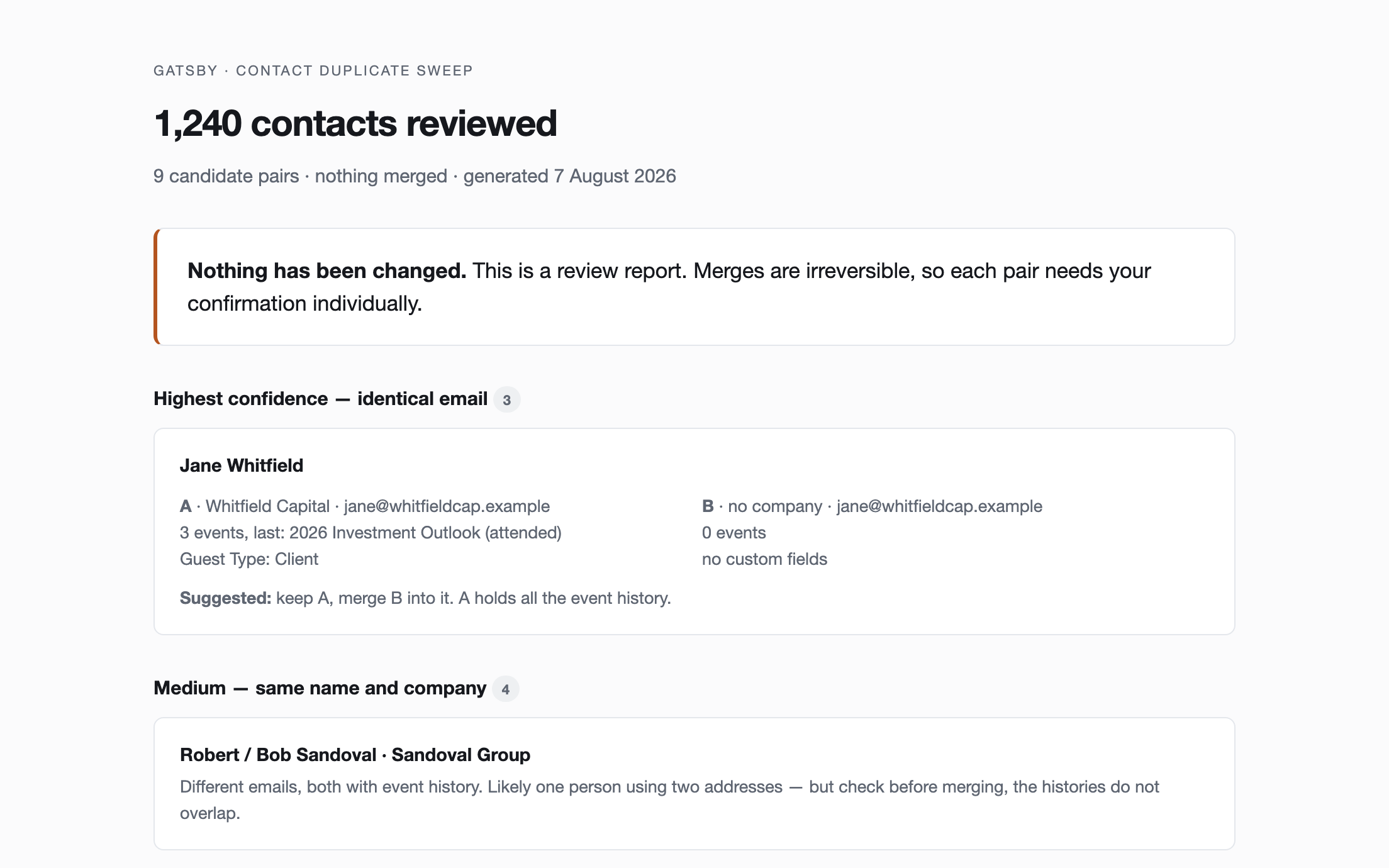
Contact Duplicate Sweep
Find likely duplicate contacts, present them side by side with their event history, and merge only the pairs you confirm.
Needs MCP ServerNeeds Write Access
Installable skills that connect your AI tool to your Gatsby data, plus prompts for building custom event landing pages and email templates. Free to copy, download, and adapt.
Installable skills built on the Gatsby MCP server. Download, unzip into your AI tool, and ask in plain language.
Find likely duplicate contacts, present them side by side with their event history, and merge only the pairs you confirm.
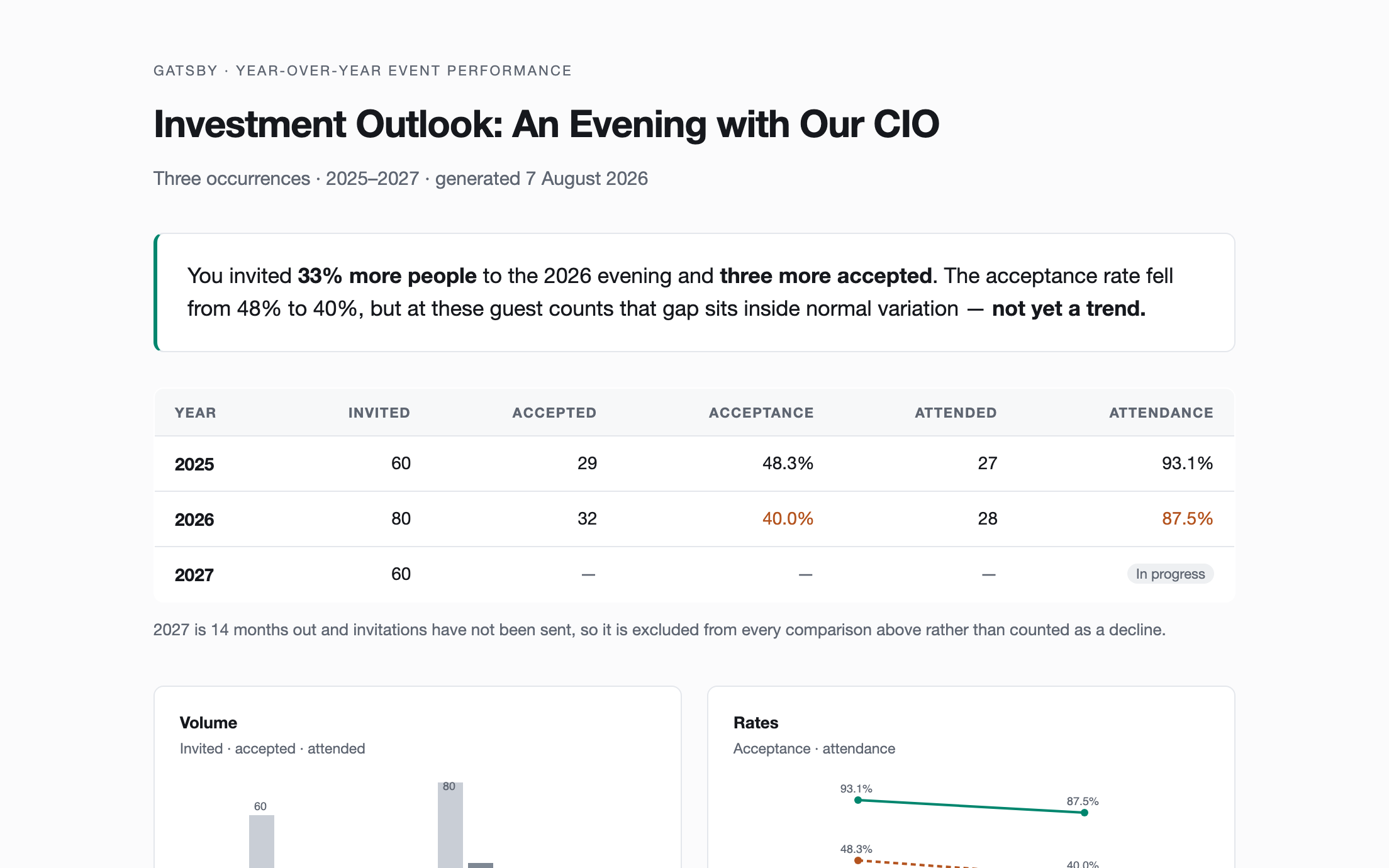
Compare a recurring event across years — invited, accepted, attended, and the rates between them — as a shareable dashboard that says what actually changed.
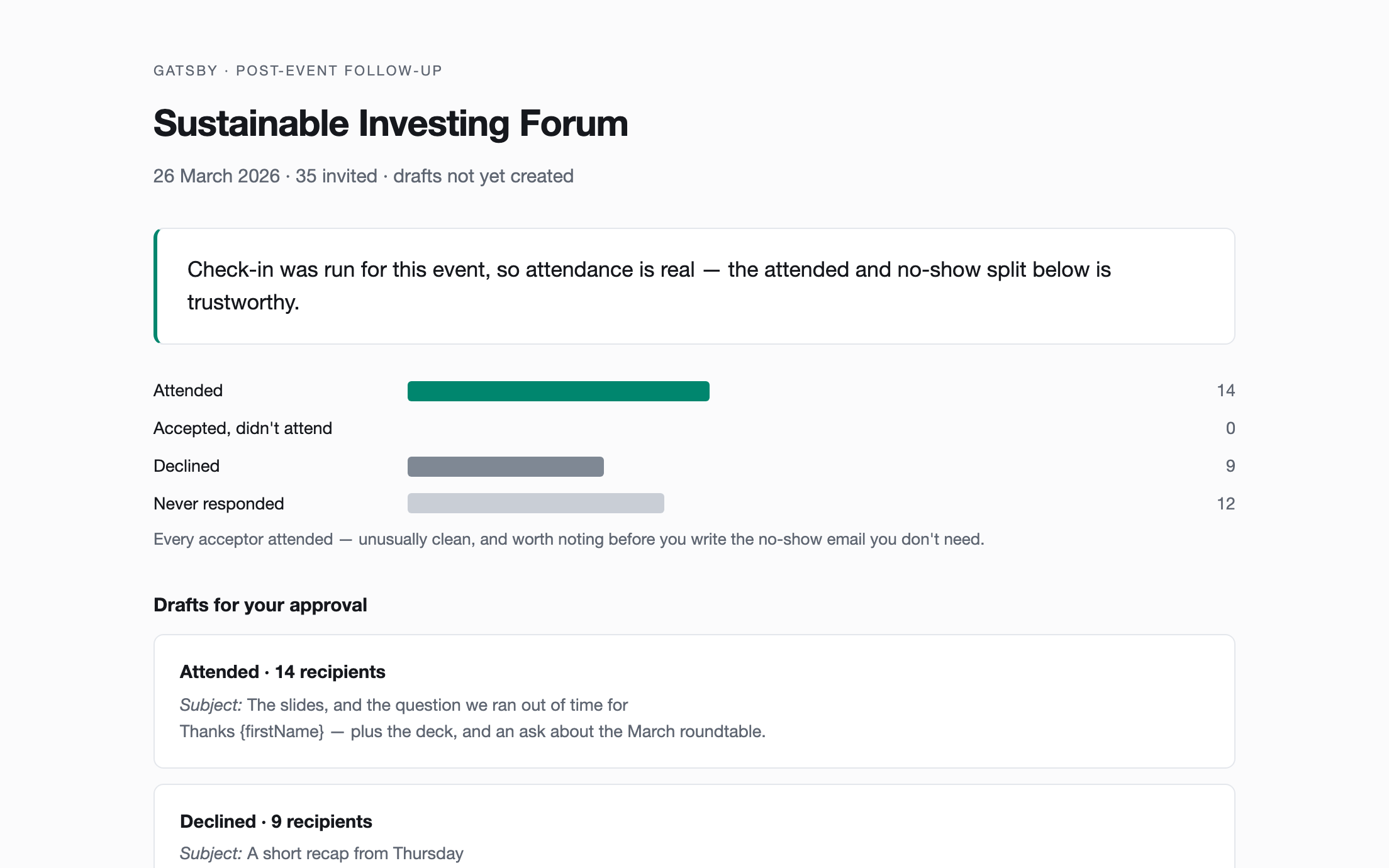
Split a guest list by what people actually did — attended, no-showed, declined, never responded — and draft a tailored follow-up for each.
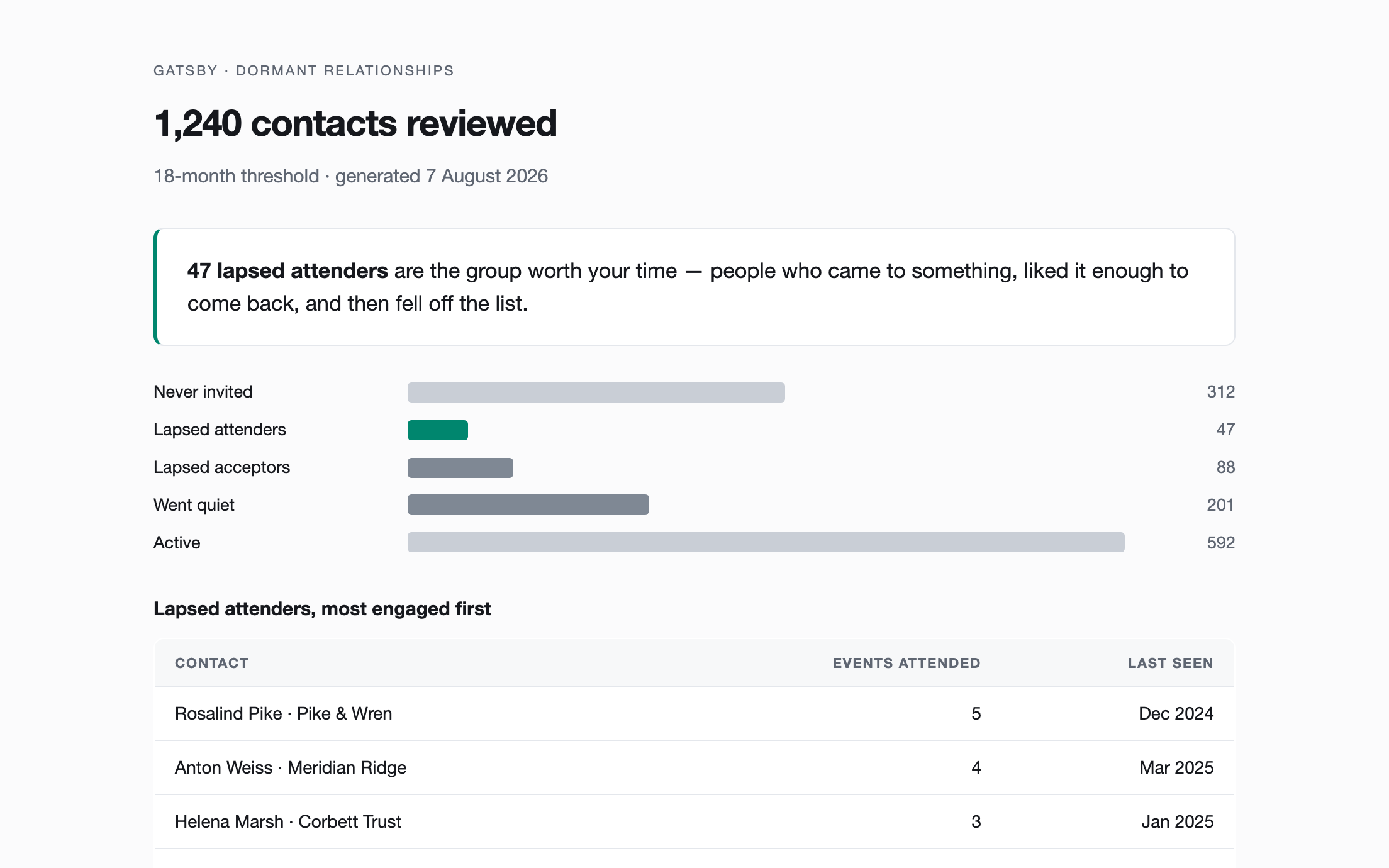
Surface the contacts quietly going cold — never invited, or engaged once and never since — so relationships don't lapse unnoticed.
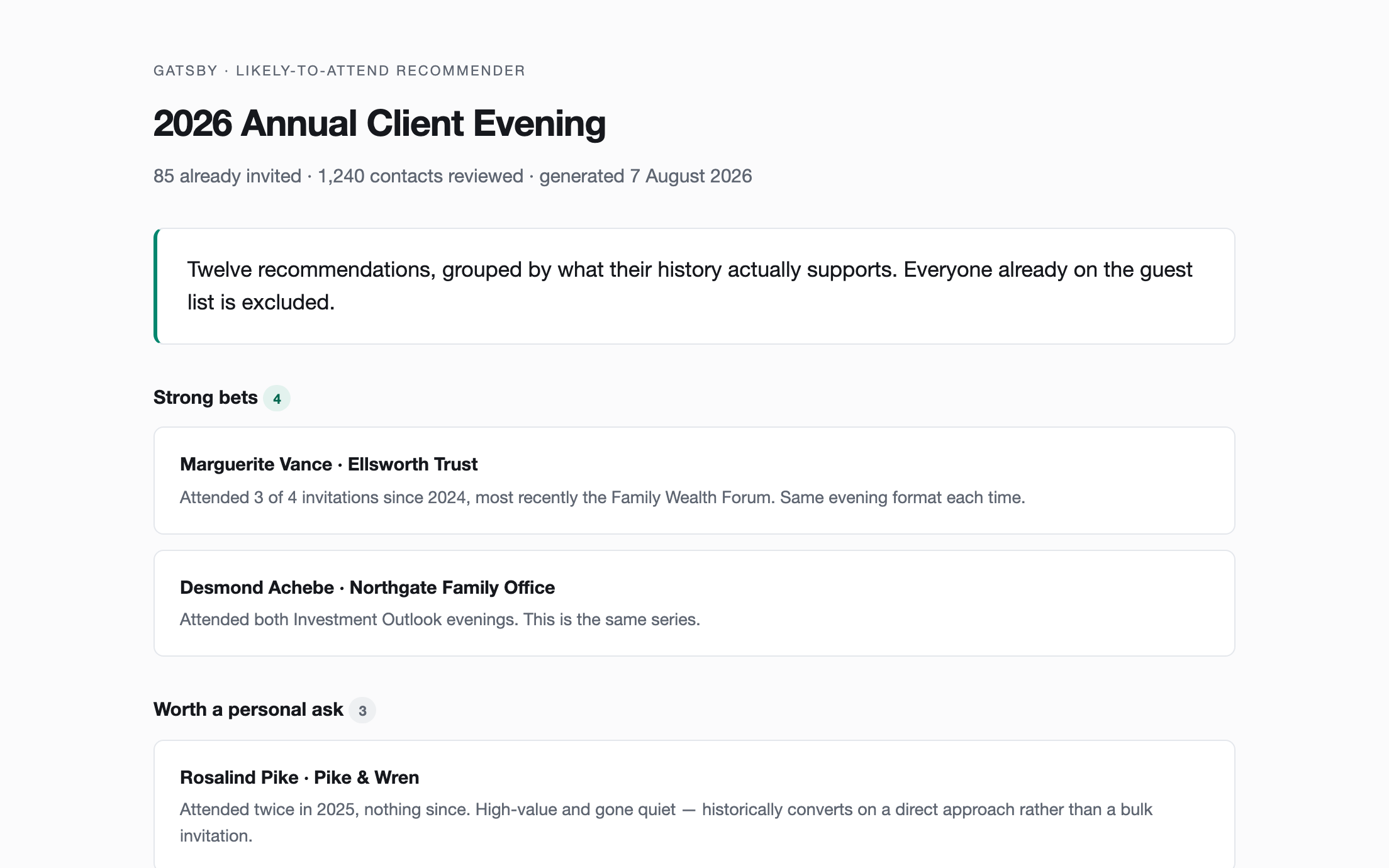
Rank your contacts by how likely they are to actually attend a specific event, based on real RSVP and attendance history rather than a guess.
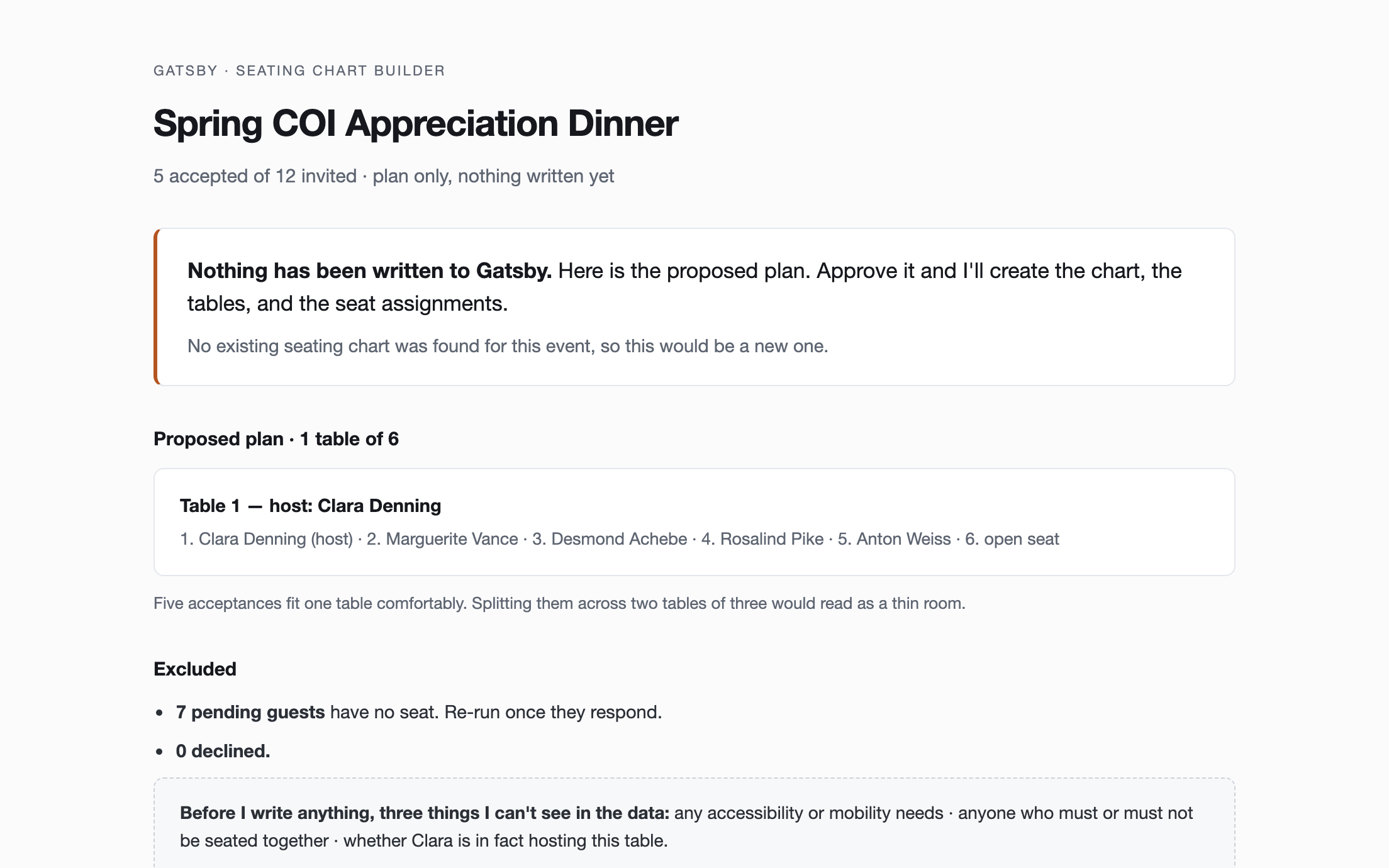
Turn an accepted guest list into a drafted seating chart — tables created, guests grouped, seats assigned — after you approve the plan.
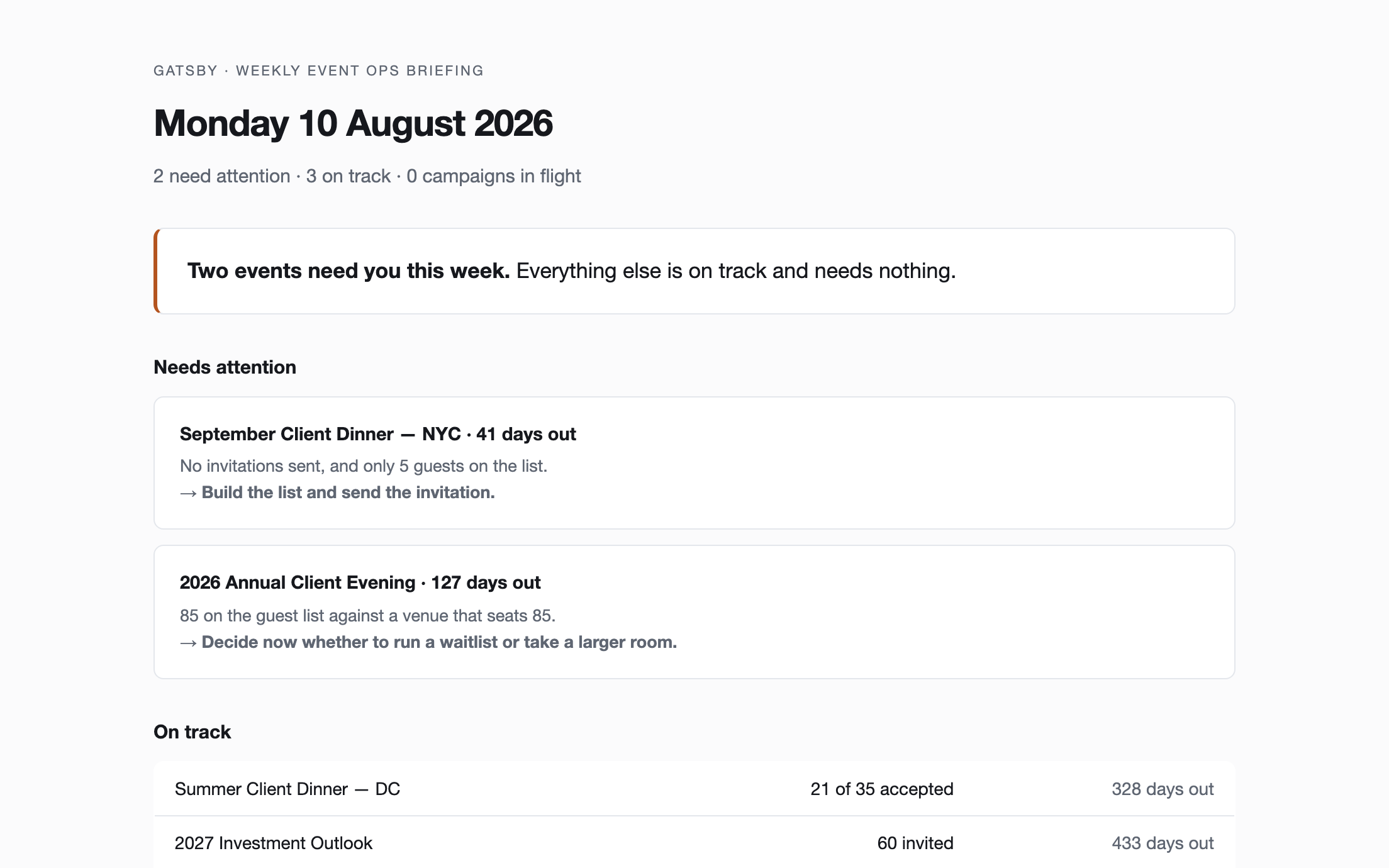
One Monday-morning briefing across every upcoming event, ordered by what actually needs a human this week.
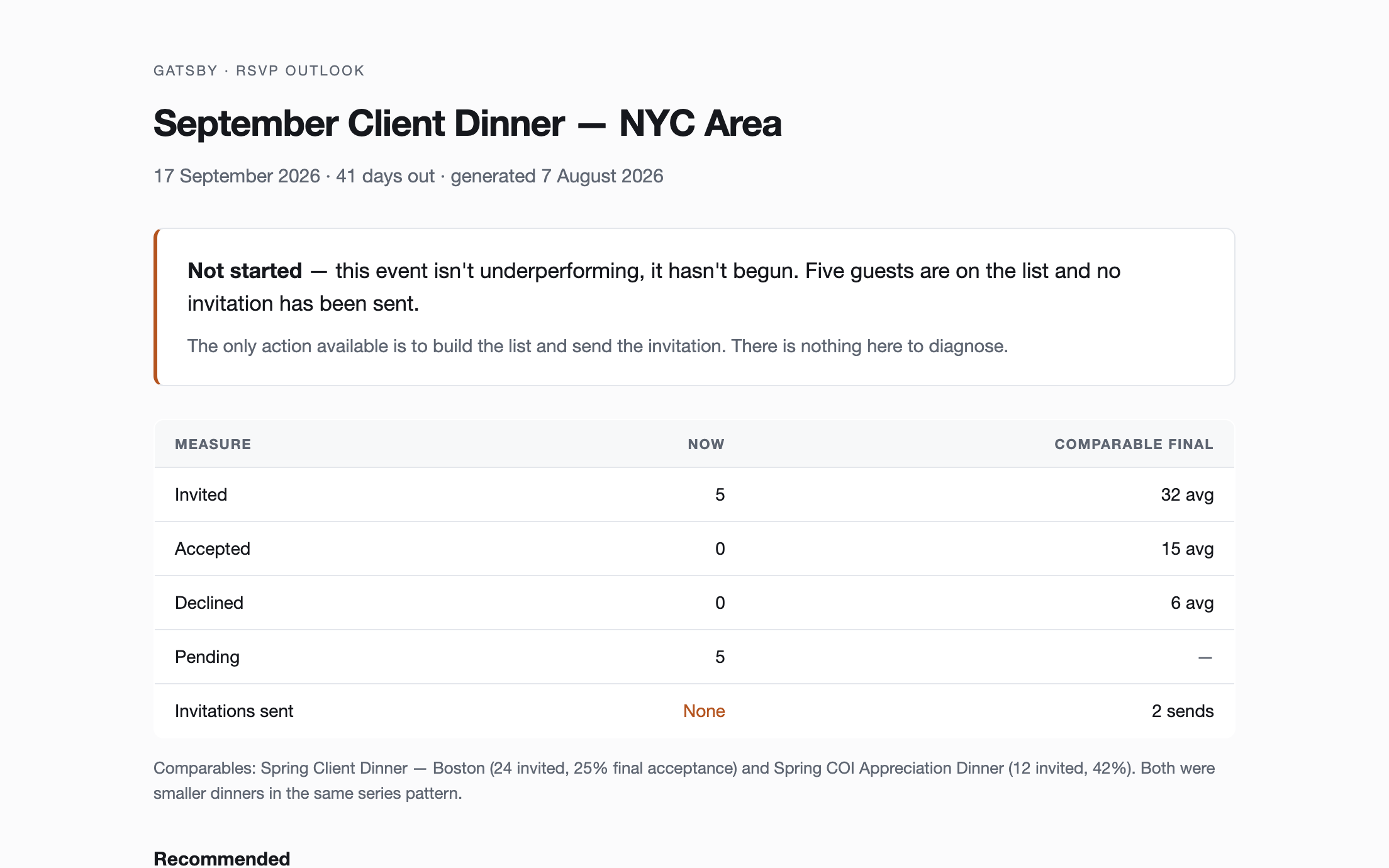
Tell whether an upcoming event is on track to fill, benchmarked against comparable past events, and what to do if it isn't.
Reserved
This spot is for the first skill a customer contributes. If you've built something on the Gatsby MCP server, we'd like to feature it.
Paste into Lovable, Bolt, or v0 to generate a custom event site, then embed it in a Gatsby landing page and run registration as normal.
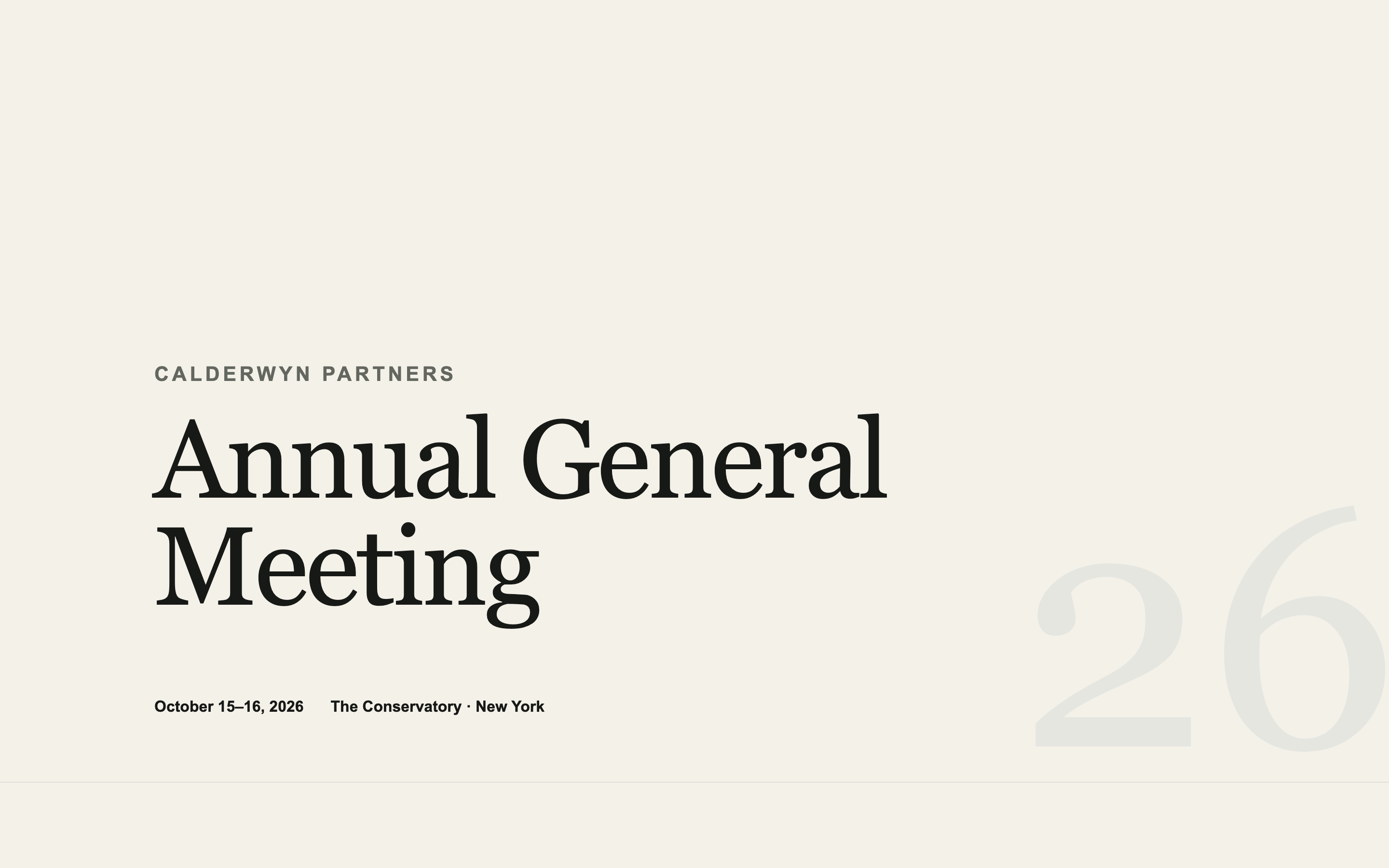
An institutional AGM page — agenda, speakers, logistics, and travel — designed to look like the firm spent money on it without looking like marketing.
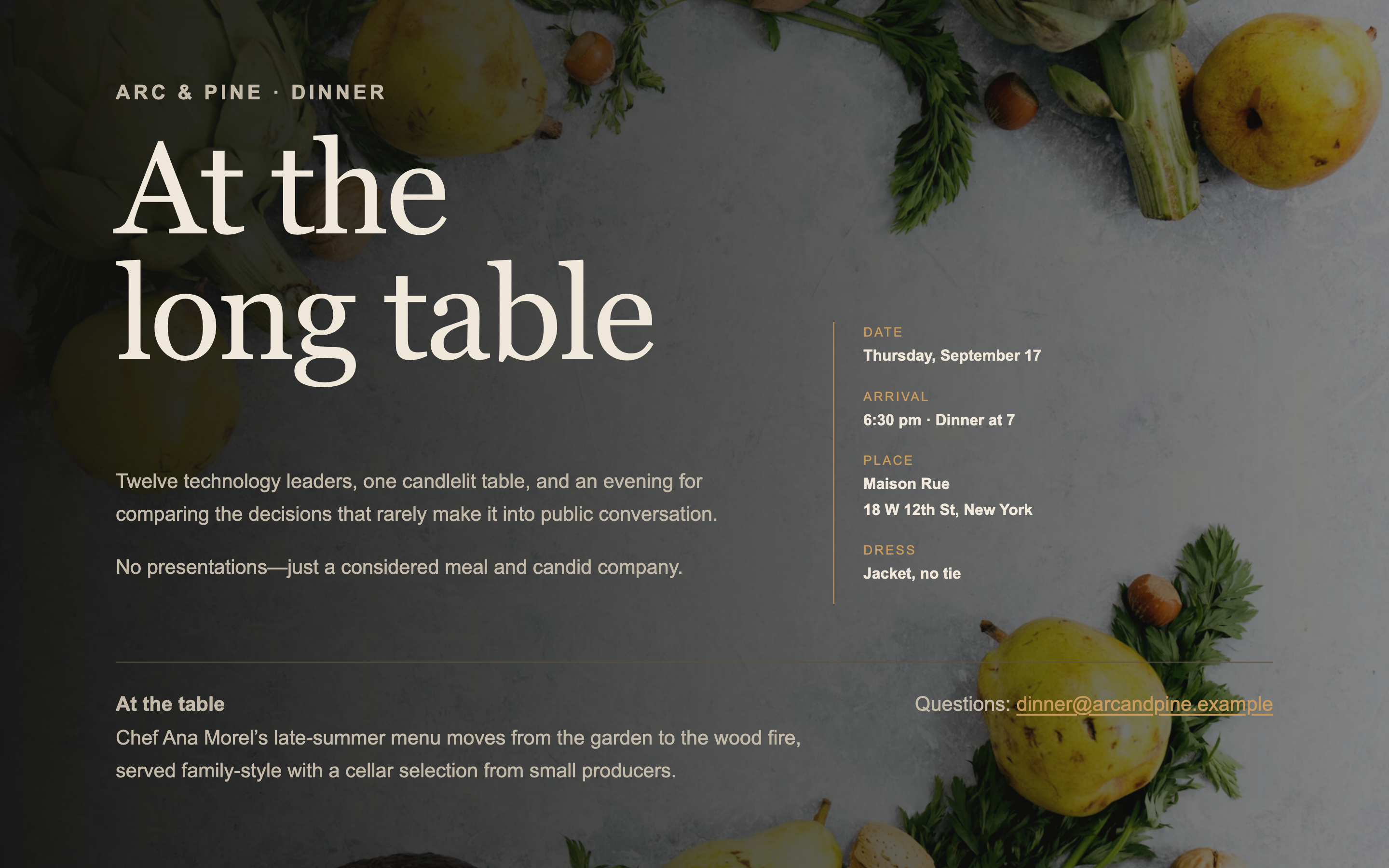
A single-screen page for an intimate dinner — venue, chef, and the shape of the evening. No scrolling, no agenda, no filler.
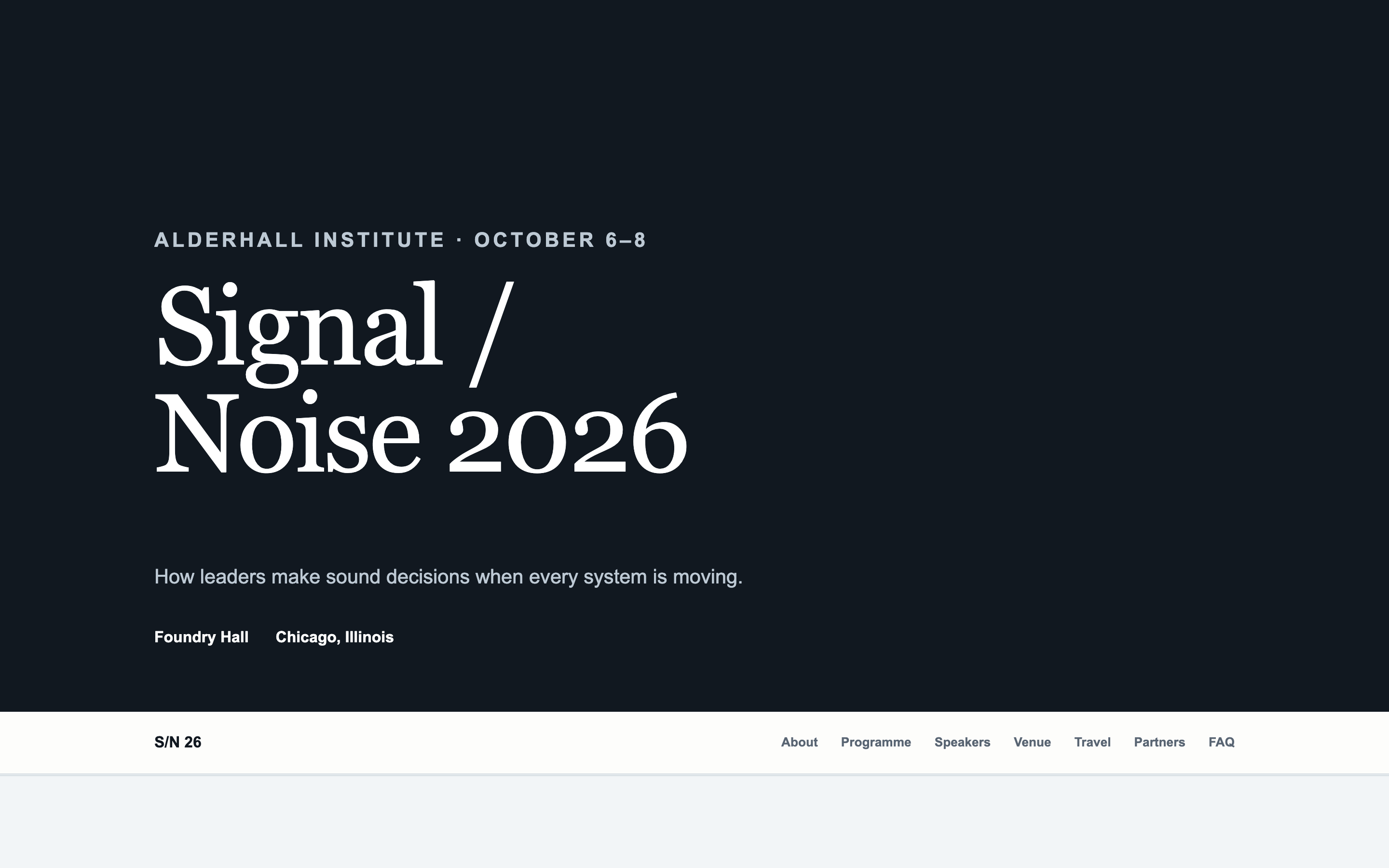
A long-form page with a sticky anchor navigation and scroll-spy — for events with enough content to need wayfinding.
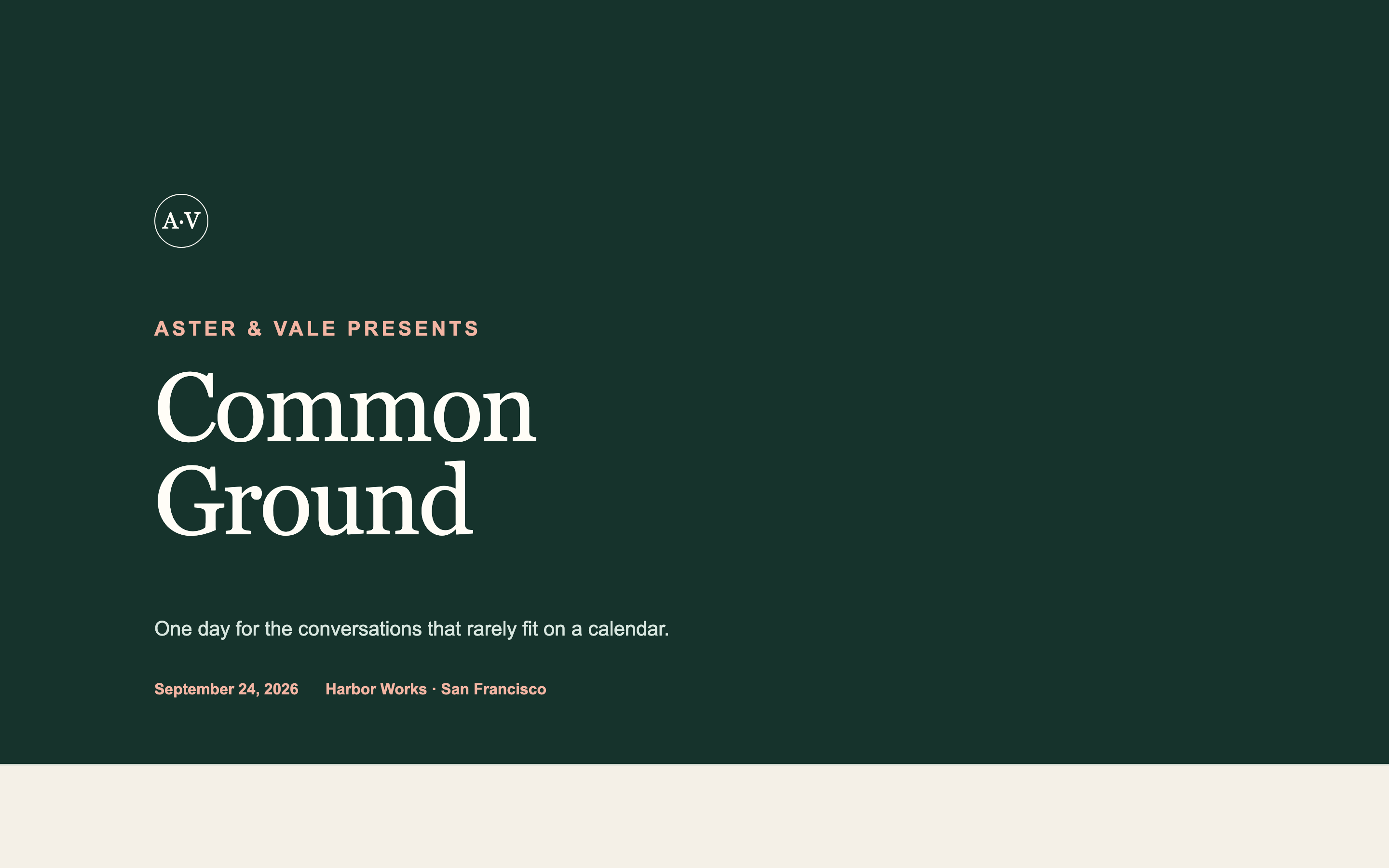
Takes your existing logo, colours, and typefaces as input and produces an event page in your firm's identity rather than a generic template.
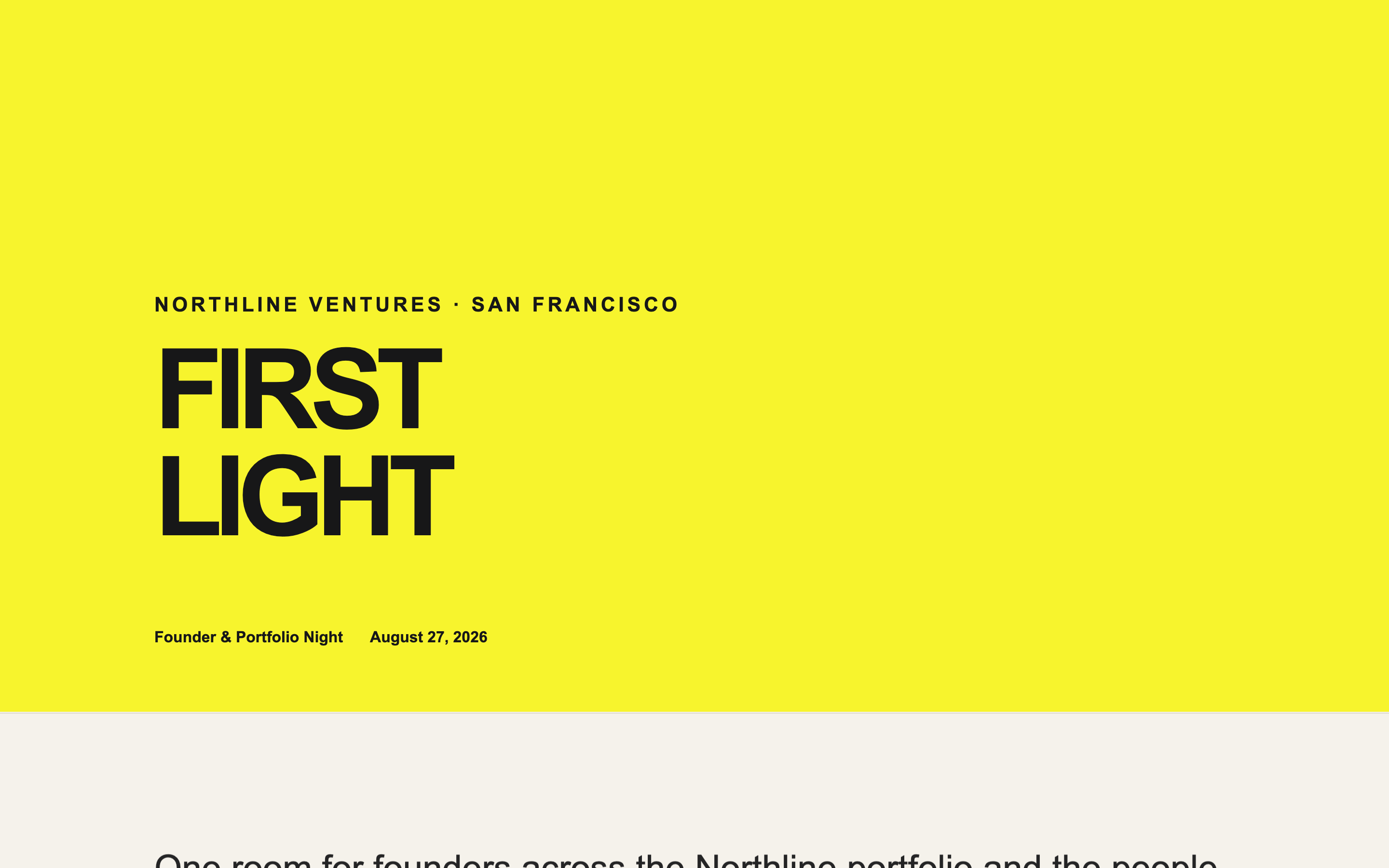
An energetic page for a founder community event, with a portfolio logo wall — lively without sliding into consumer-app territory.
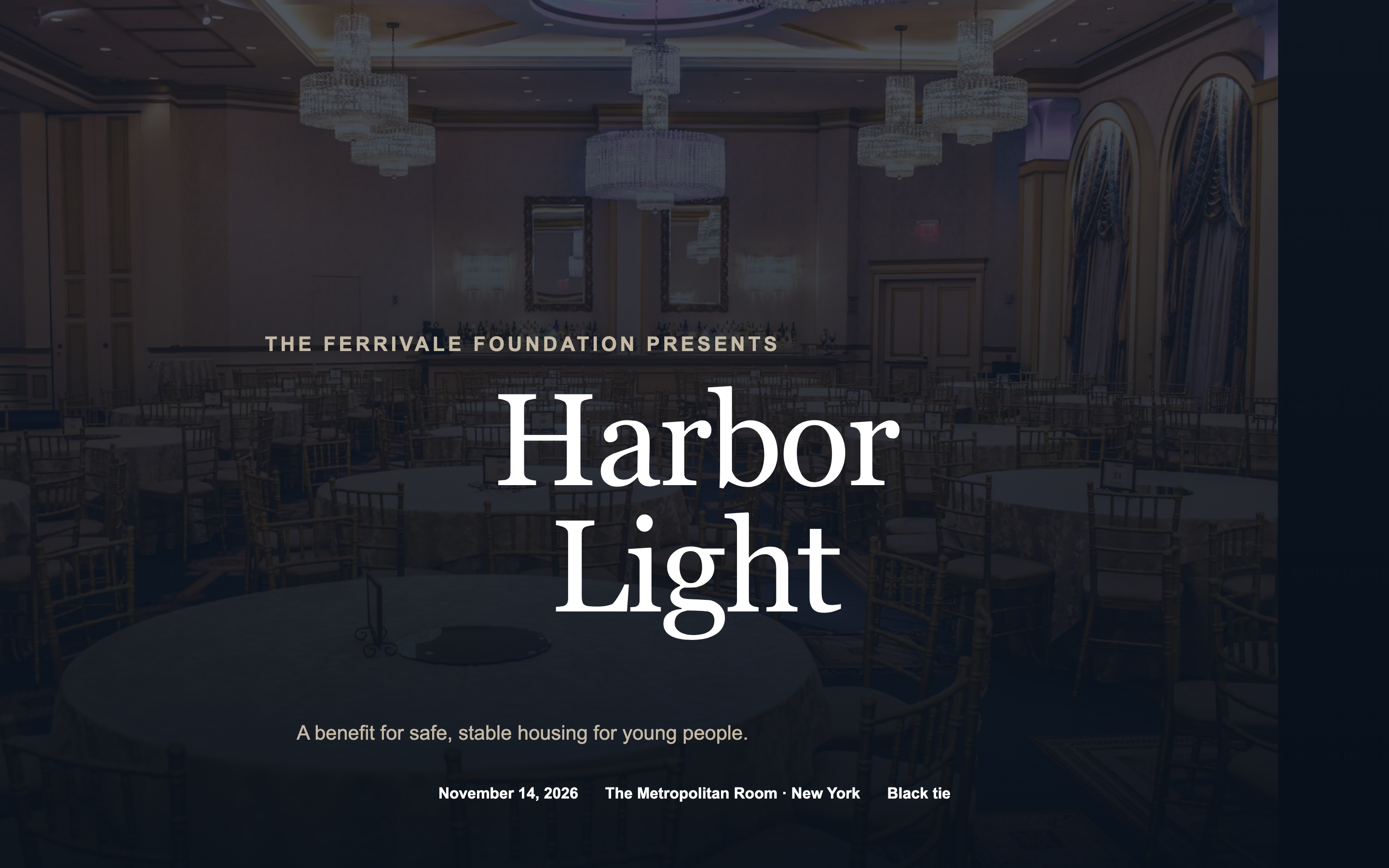
A black-tie benefit page with an honoree spotlight, tiered sponsor recognition, and table pricing — formal without tipping into ornate.
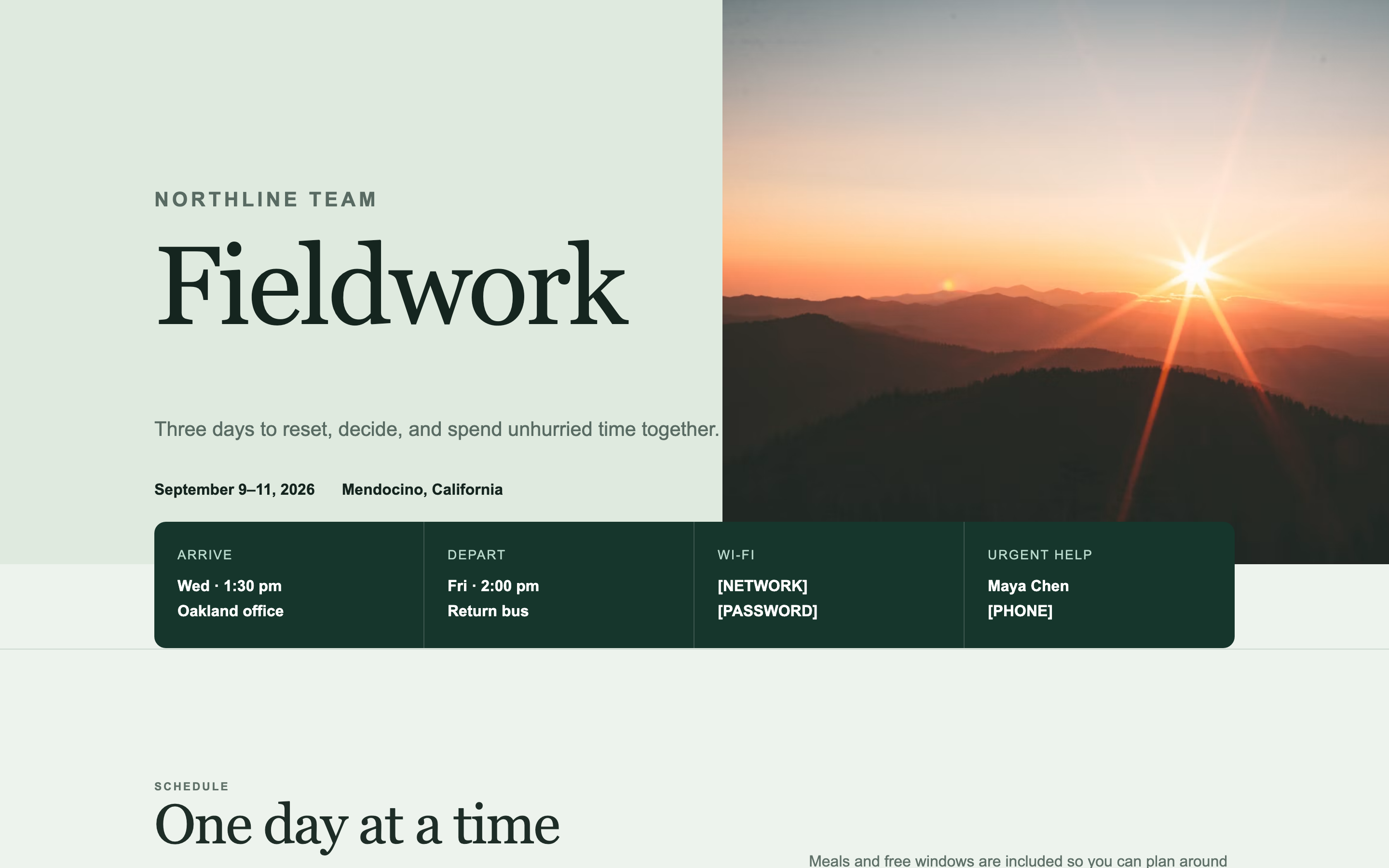
A practical page for a team offsite — schedule, travel, packing list, and a map. Built for people who will open it six times on their phone.
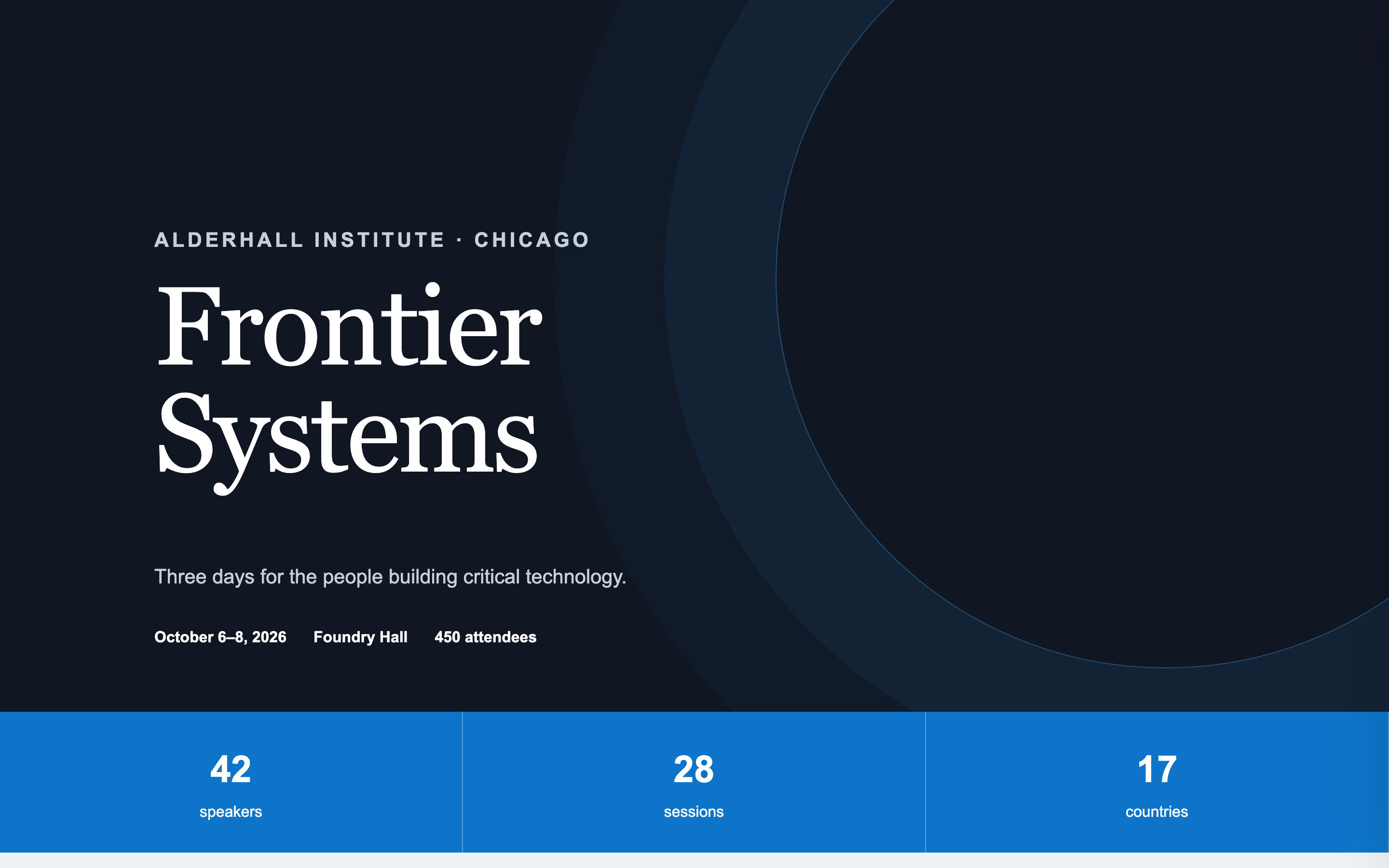
A conference page with a day-tabbed agenda, speaker grid, sponsor tiers, and venue map — the format that handles genuine complexity without becoming a wall.
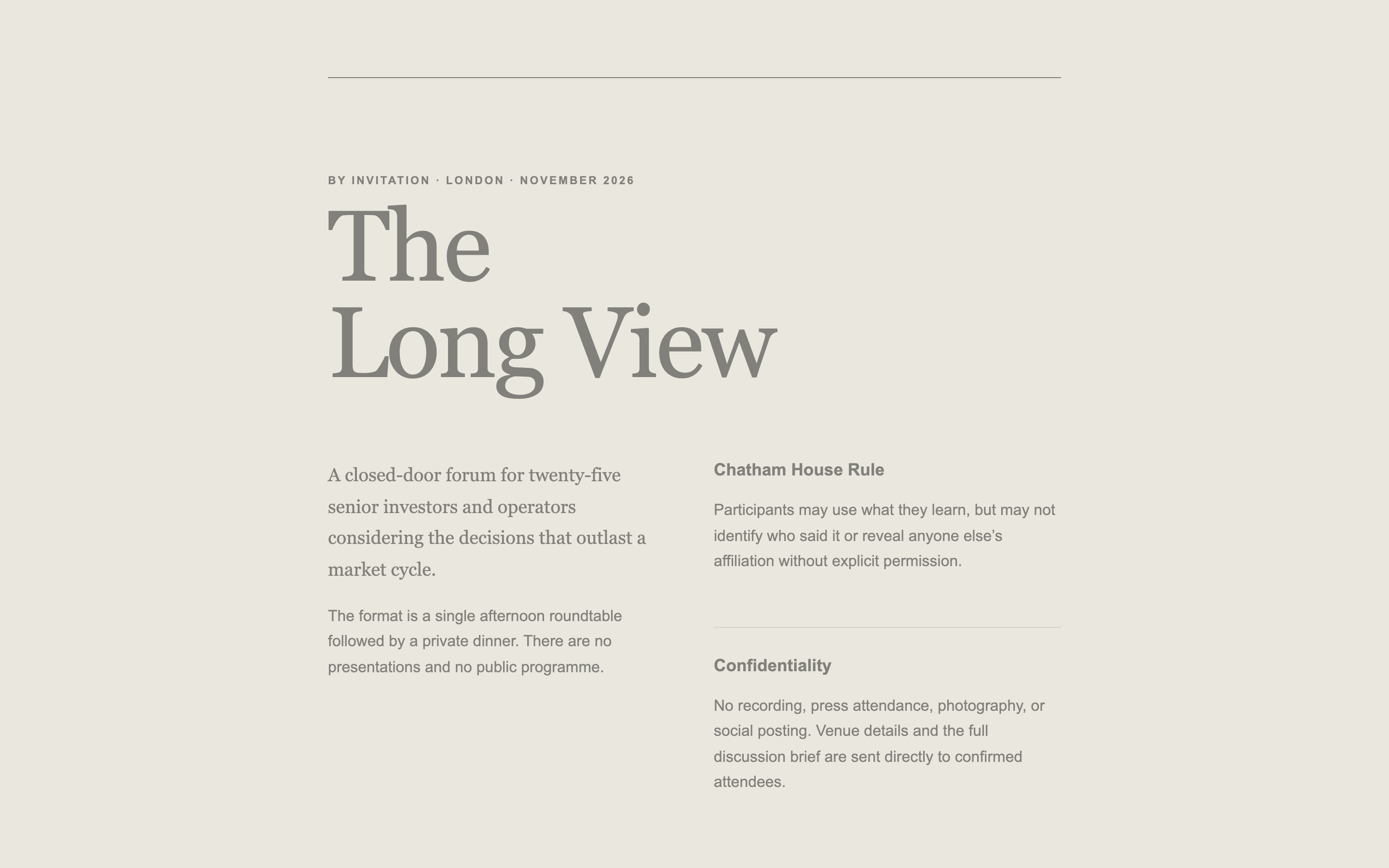
A deliberately low-information page for a closed-door convening — conveys seriousness and exclusivity while revealing almost nothing.
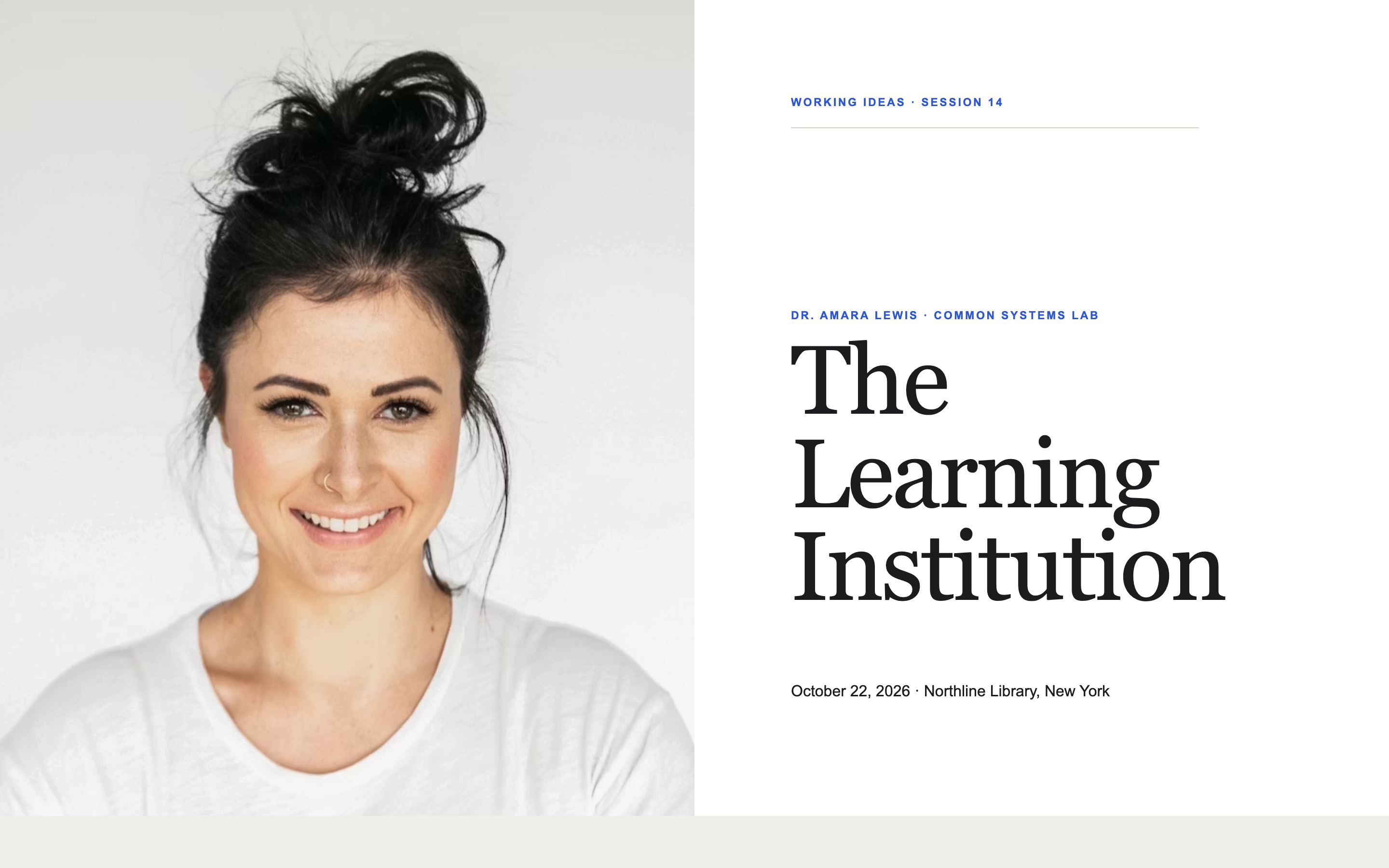
A page for one session in a recurring series, with a past-episodes strip that makes a single event feel like an institution.
Generate email-safe HTML for a specific event — invitations, save-the-dates, recaps — to send from that event's Campaigns tab. These use event merge tags, which only resolve when an event is attached.
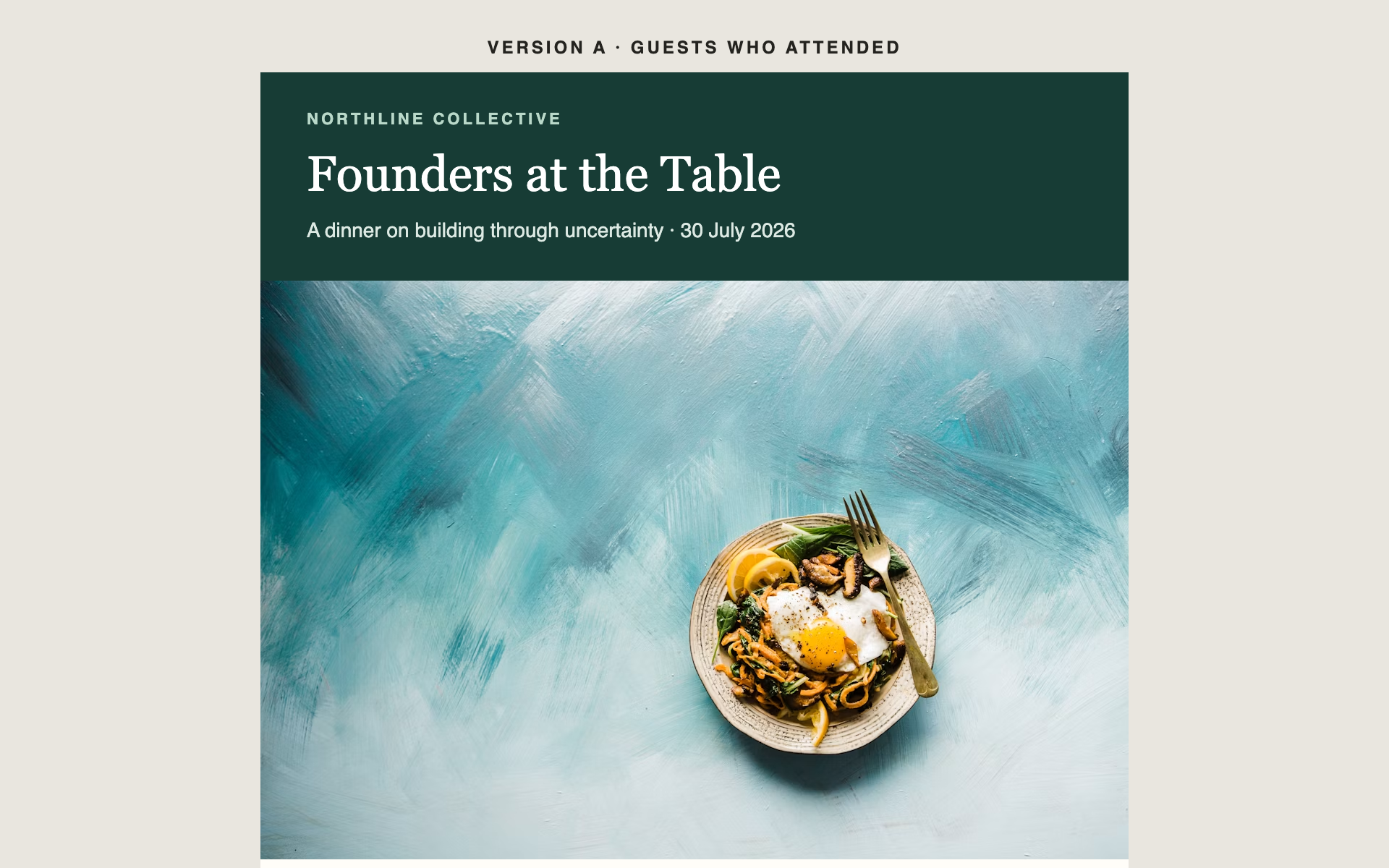
A post-event email with a photo grid, the numbers that mattered, and a clear next step — sent to everyone who came, and to everyone who didn't.
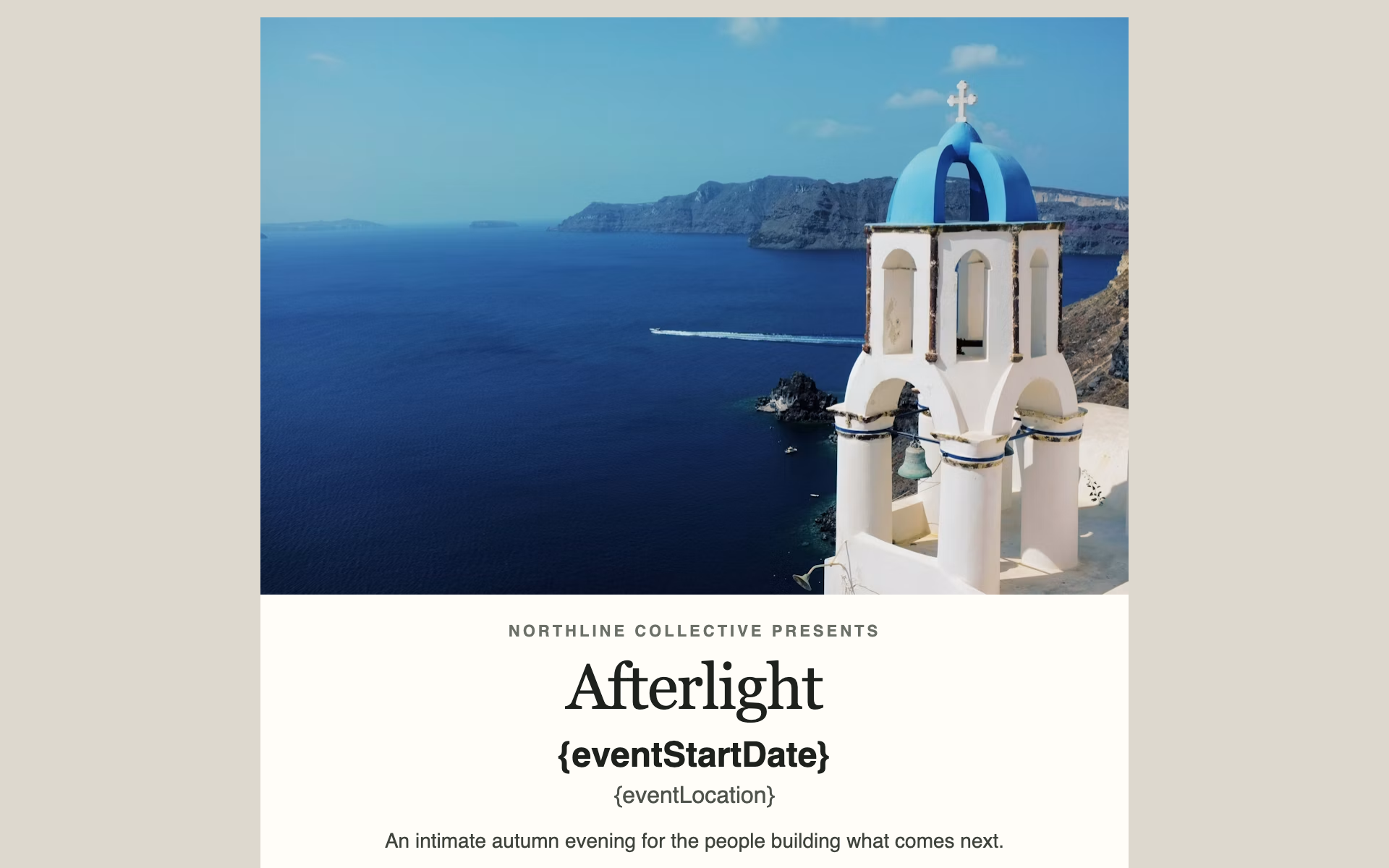
A single-screen announcement with one hero, the date, and one button. Built to be read and acted on in under ten seconds.
Generate email-safe HTML for a recurring newsletter sent to subscribers rather than to an event's guest list. A newsletter has no event attached, so these deliberately avoid event merge tags.
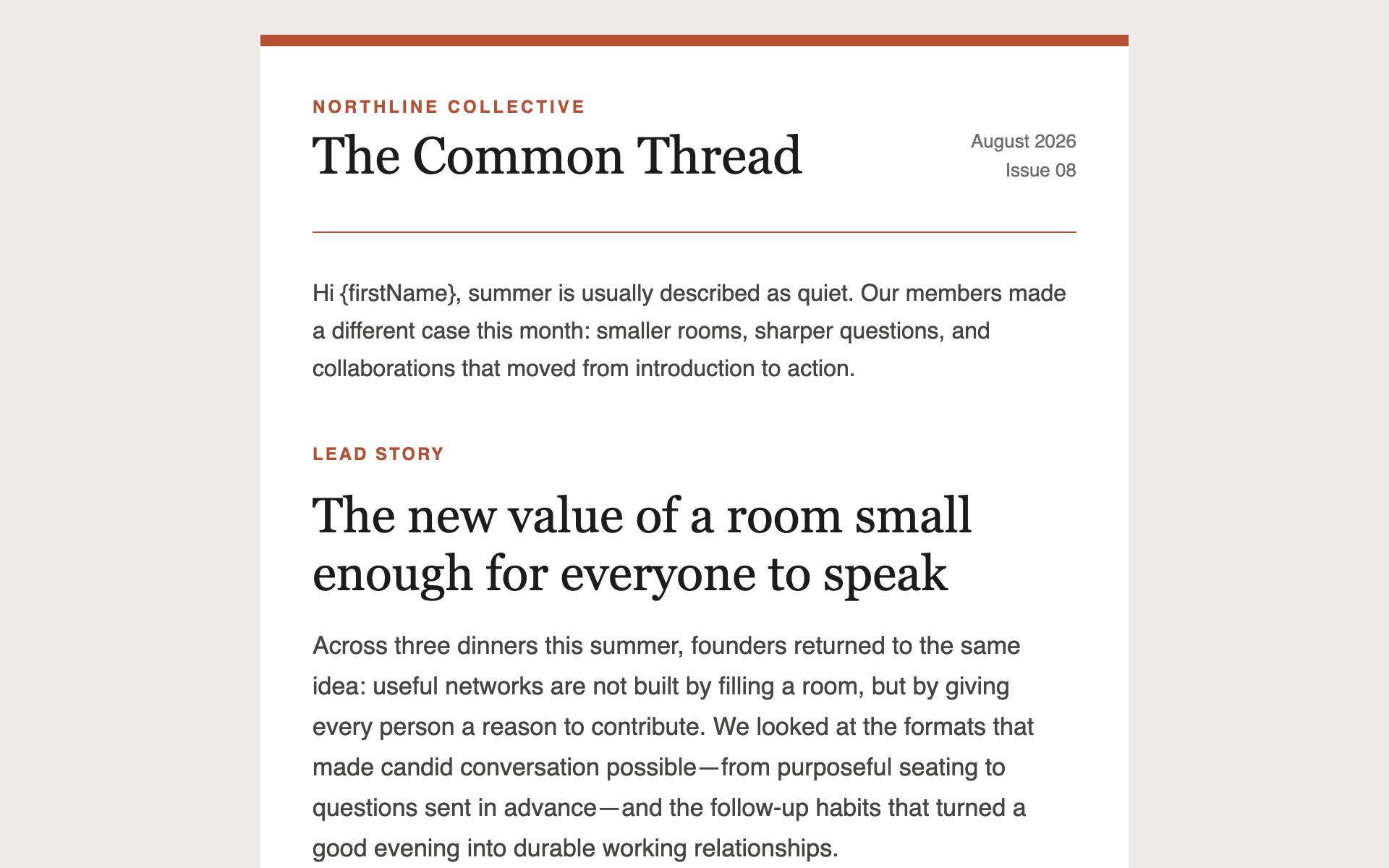
A multi-story newsletter layout with section dividers and read-more links — the workhorse format for a monthly update to clients, portfolio companies, or members.
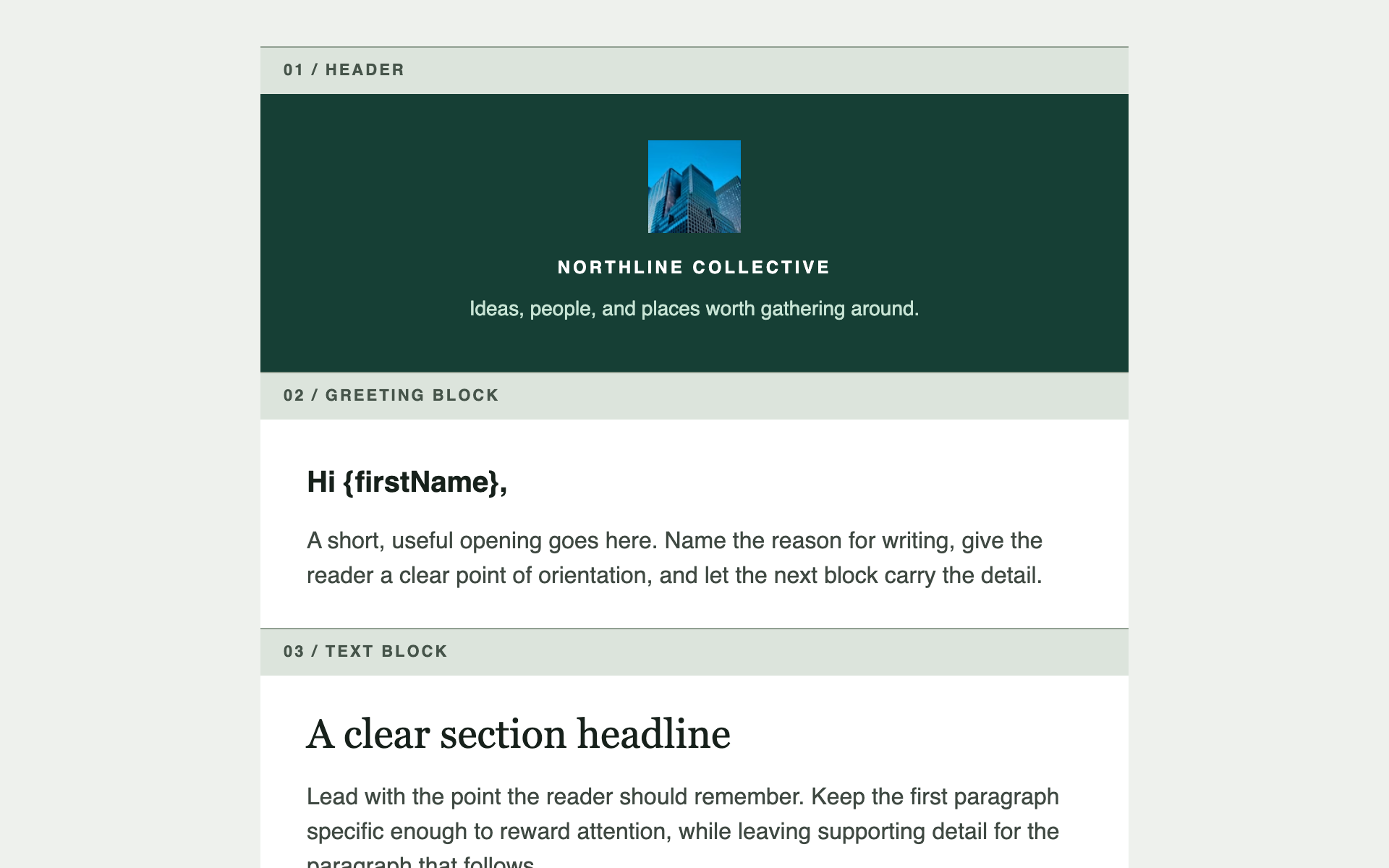
Not one template — a reusable header, footer, and set of content blocks in your brand, which you assemble into any future email. Generate once, use for everything.
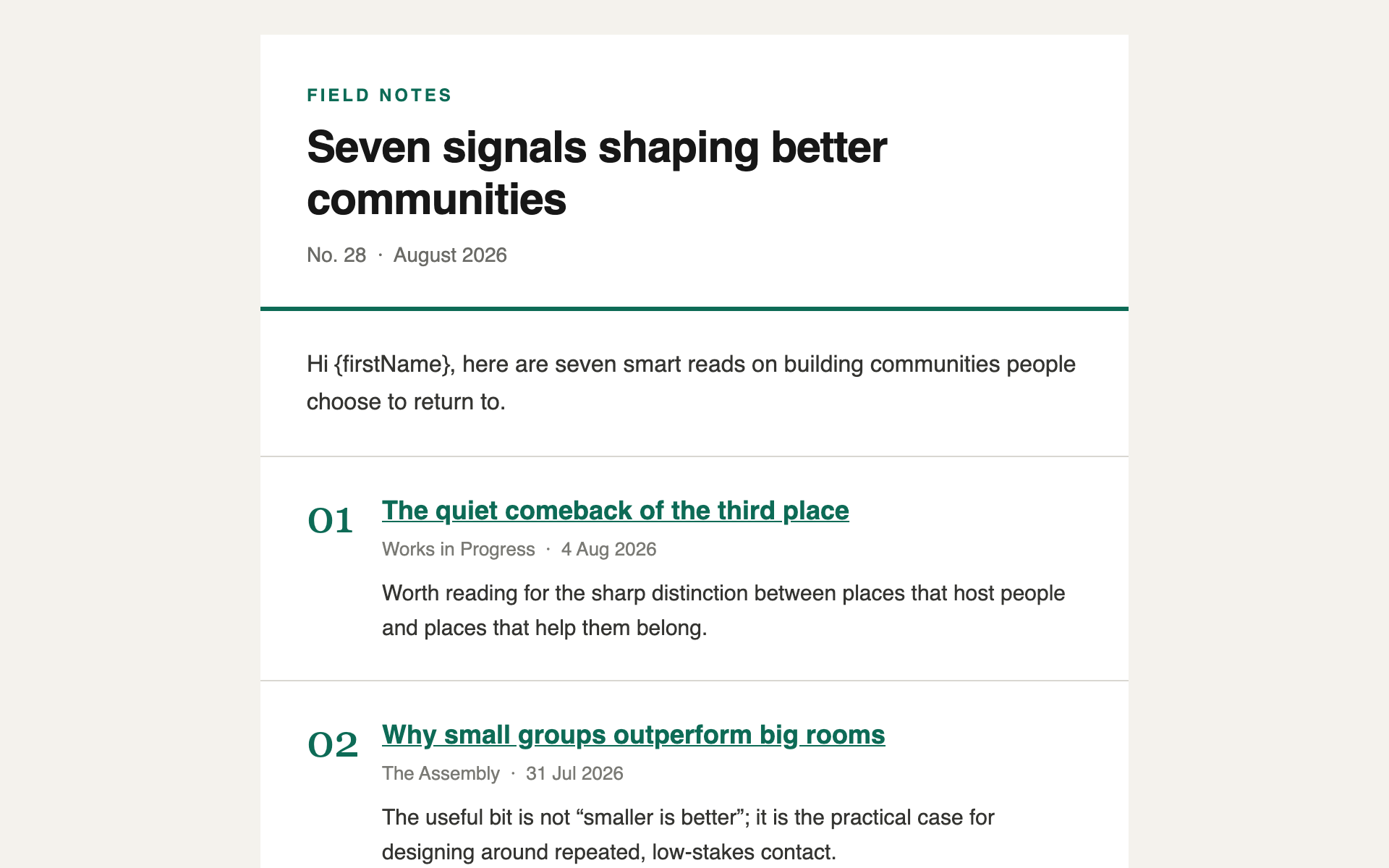
A minimal, typographic digest — a short list of links with one line of commentary each. The format that gets read on a phone in under a minute.
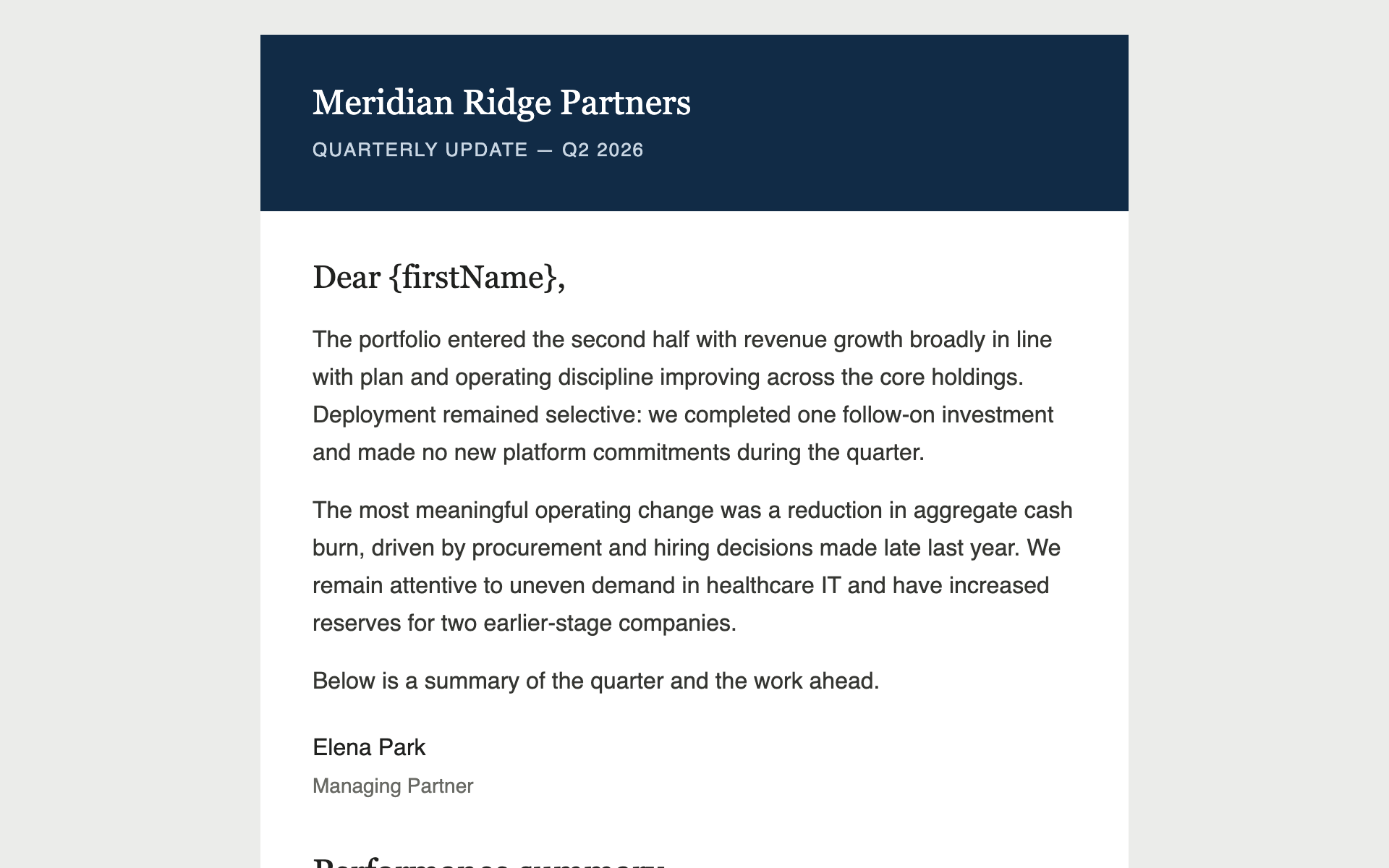
A restrained quarterly update for limited partners or clients — a data table, a chart rendered as an image, and copy that reads as institutional rather than promotional.
The gallery is new and still growing. If you've built something like this, we'd genuinely like to feature it.
A post-event email with a photo grid, the numbers that mattered, and a clear next step — sent to everyone who came, and to everyone who didn't.
A multi-story newsletter layout with section dividers and read-more links — the workhorse format for a monthly update to clients, portfolio companies, or members.
Not one template — a reusable header, footer, and set of content blocks in your brand, which you assemble into any future email. Generate once, use for everything.
A minimal, typographic digest — a short list of links with one line of commentary each. The format that gets read on a phone in under a minute.
An institutional AGM page — agenda, speakers, logistics, and travel — designed to look like the firm spent money on it without looking like marketing.
A single-screen page for an intimate dinner — venue, chef, and the shape of the evening. No scrolling, no agenda, no filler.
How do I use a landing page prompt?
Why can't my published site be password-protected?
How do I install a skill?
~/.claude/skills/. For Claude
Desktop or claude.ai, upload the .zip under Settings →
Capabilities → Skills. Then just ask in plain language —
the skill triggers on its own.
What does 'Needs write access' mean?
Can I use the email templates before Newsletters ships?
How do I contribute?