
Annual General Meeting 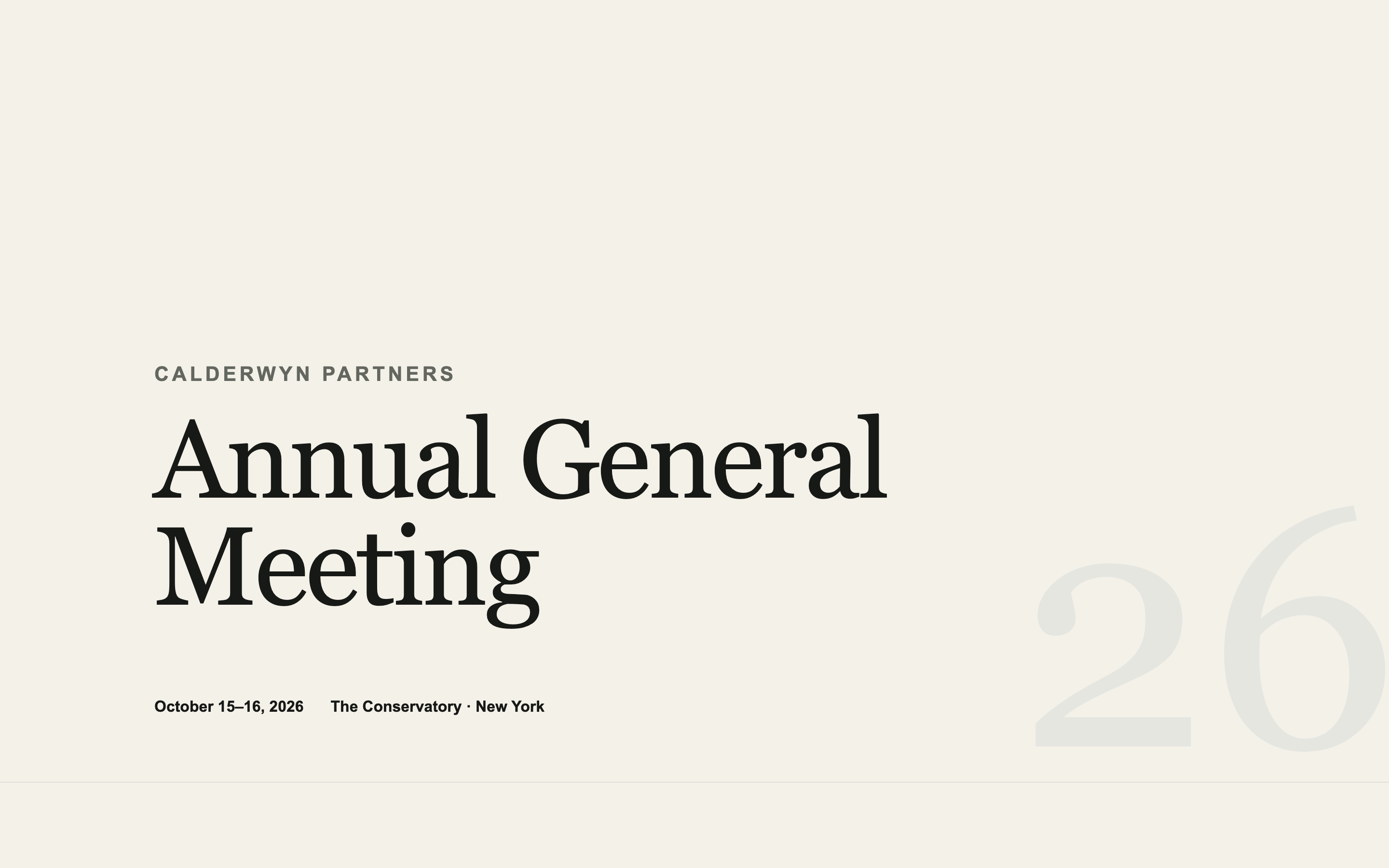
Annual General Meeting
An institutional AGM page — agenda, speakers, logistics, and travel — designed to look like the firm spent money on it without looking like marketing.
Landing Page Prompts
Takes your existing logo, colours, and typefaces as input and produces an event page in your firm's identity rather than a generic template.
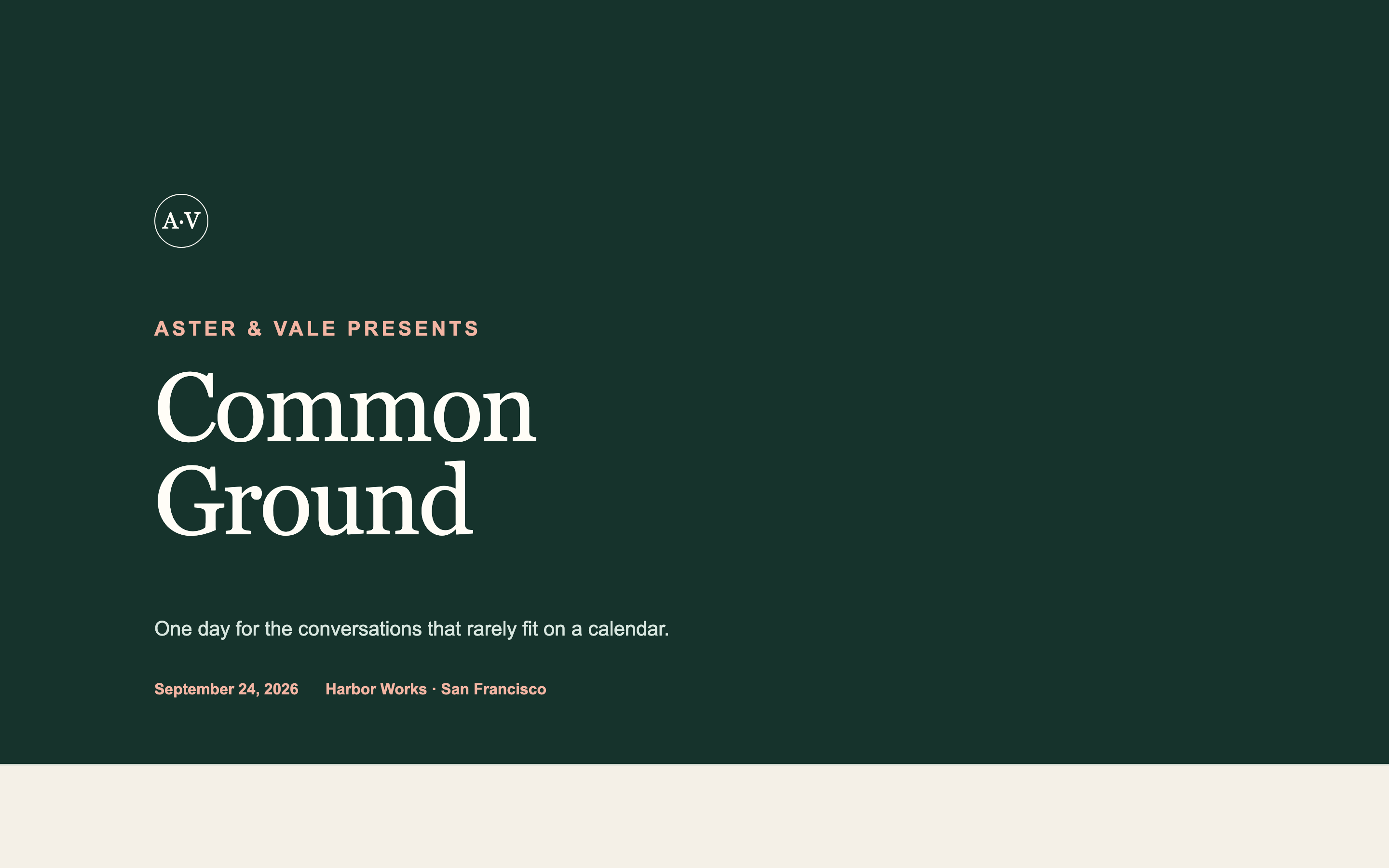
The most useful prompt in this category, and the one to start with if your firm has a real brand.
Every other prompt here asks the AI to invent a look. This one extracts your existing identity first, then builds inside it — so the page matches your website instead of looking like an AI made it.
I want an event landing page that matches my organisation's existing brand identity rather than a generic design.

STEP 1 — before designing anything, ask me for these, and wait for my answers:

- My website URL, so you can look at how we present ourselves
- My logo file, or a description of it
- My exact brand colours as hex values, and which is primary
- The typefaces we use for headings and for body text, and whether they're web fonts I can license
- Two or three adjectives for how our brand should feel
- Anything we deliberately avoid — colours, styles, or treatments that are off-brand

Do not begin designing until I have answered. If I've given you a website URL, describe back what you observe about our visual language — type, spacing, colour, tone, photography style — and let me correct you before you build.

STEP 2 — once confirmed, produce a design system block at the top of the file: CSS custom properties for every colour, type size, spacing step, and radius, all derived from my brand. Every element below must reference those variables, never hard-coded values, so I can adjust the whole page from one place.

STEP 3 — build the event page for [EVENT NAME], hosted by [YOUR ORGANISATION] on [DATE] at [VENUE, CITY], with:

1. A hero using our brand treatment
2. A short description of the event
3. The programme or agenda, in whatever structure suits it
4. Speakers or hosts, if applicable
5. Venue and practical details
6. A brief FAQ
7. A footer matching our website's footer

If a typeface isn't available as a free web font, choose the closest widely available alternative and TELL ME what you substituted and why. Do not silently swap a typeface — I need to know.

Match our website's spacing rhythm and general density. A brand that uses tight, dense layouts should not get an airy page, and vice versa. If our site is restrained, restrain this page.

Two requirements that govern how this page will be used:

FIRST — this page will be embedded inside a Gatsby event page, which supplies its own RSVP frame on top of it. So:

- Do NOT include any RSVP button, register button, ticket link, "reserve your spot" call to action, or registration form. Gatsby provides all of that.
- Do NOT include a contact form, a newsletter signup, or an email capture of any kind.
- Do NOT include a sticky header or floating action button that could collide with the RSVP frame overlaid on top.
- Leave roughly 120px of clear vertical space at the very bottom of the page so the Gatsby RSVP frame has somewhere to sit without covering content.

If a section feels like it needs a call to action, end it with a line of text instead — the Gatsby frame is the button.

SECOND — publish it to a public URL that requires no login, no password, and no invitation. I need to open it in a fresh incognito window and see the whole page with no wall of any kind, because it has to load inside an iframe.

Do not enable any preview password, access gate, or authentication. If your platform sets a Content-Security-Policy with `frame-ancestors 'none'`, remove it or change it to `frame-ancestors 'self' https://gatsby.events` — otherwise the page will refuse to load inside Gatsby.

Build requirements:

- Fully responsive, designed mobile-first. Most guests open event pages on a phone.
- No horizontal scrolling at any width from 320px up.
- Real, specific placeholder copy throughout — never lorem ipsum. I need to see how actual text sits in the layout.
- Descriptive alt text on every image.
- Keep it fast. Avoid heavy video backgrounds and multi-megabyte hero images; this loads inside another page.
- Respect prefers-reduced-motion for any animation.
An institutional AGM page — agenda, speakers, logistics, and travel — designed to look like the firm spent money on it without looking like marketing.
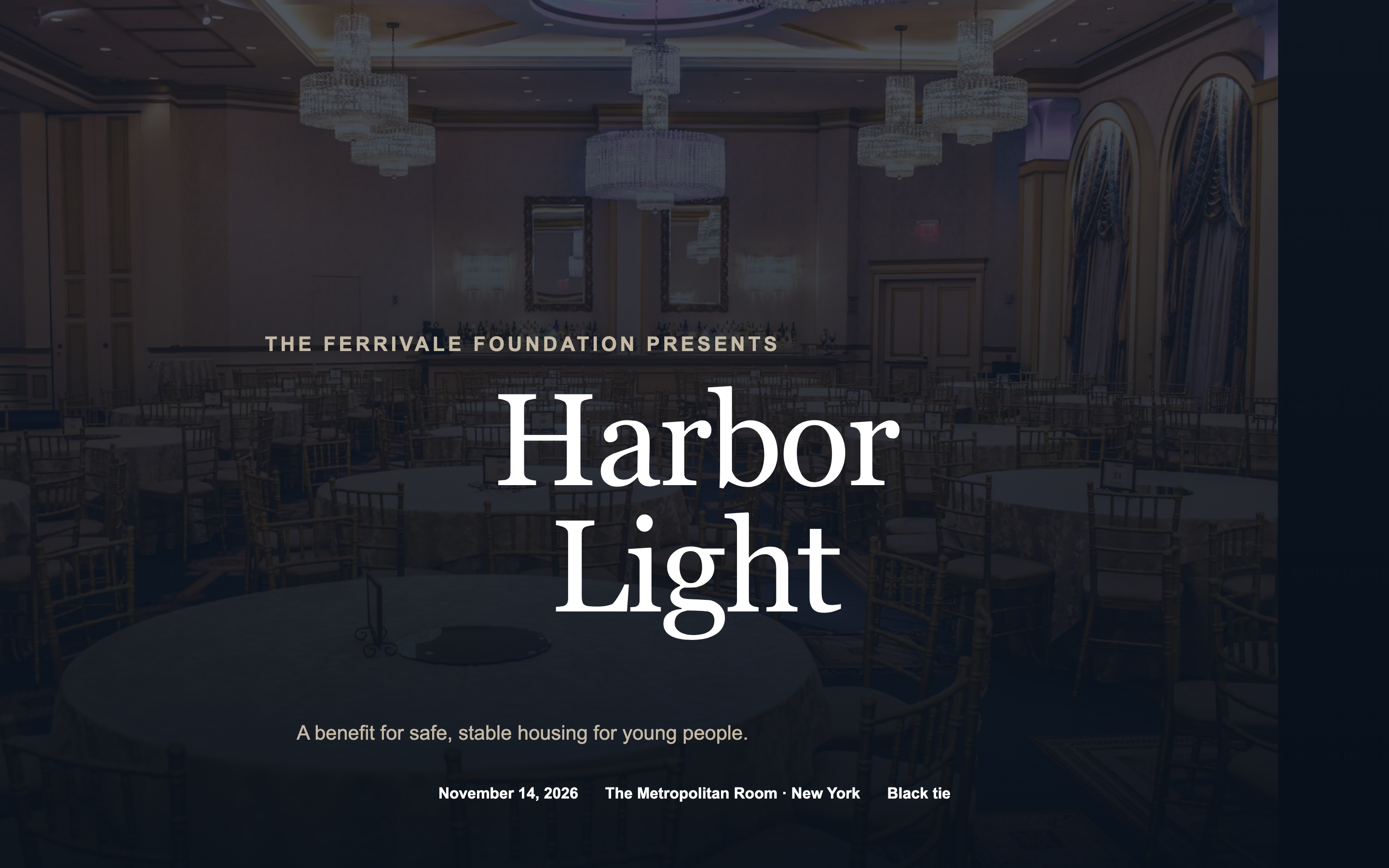
A black-tie benefit page with an honoree spotlight, tiered sponsor recognition, and table pricing — formal without tipping into ornate.
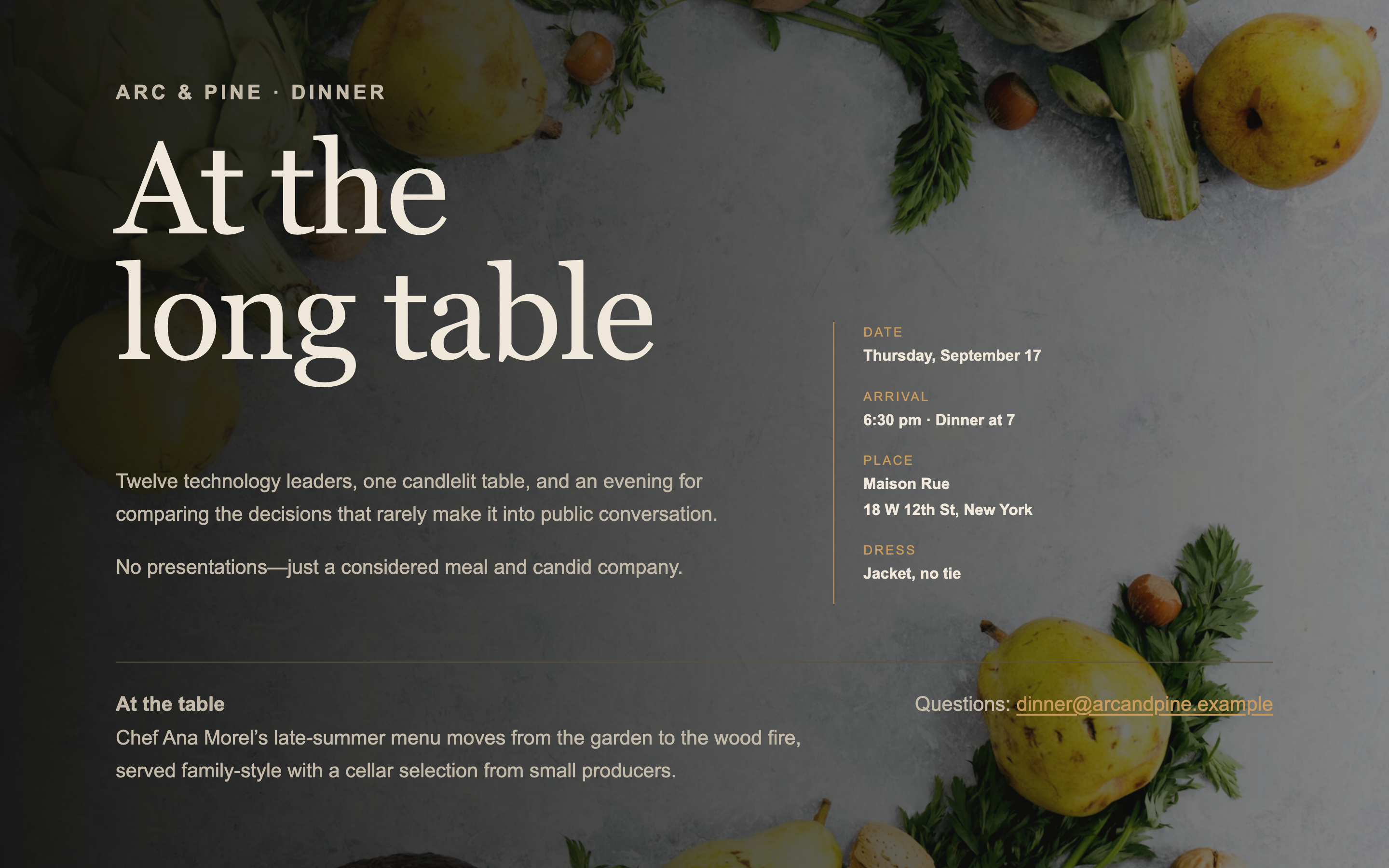
A single-screen page for an intimate dinner — venue, chef, and the shape of the evening. No scrolling, no agenda, no filler.
Built something like this on Gatsby? We'd like to feature it.