
Save-the-Date Teaser 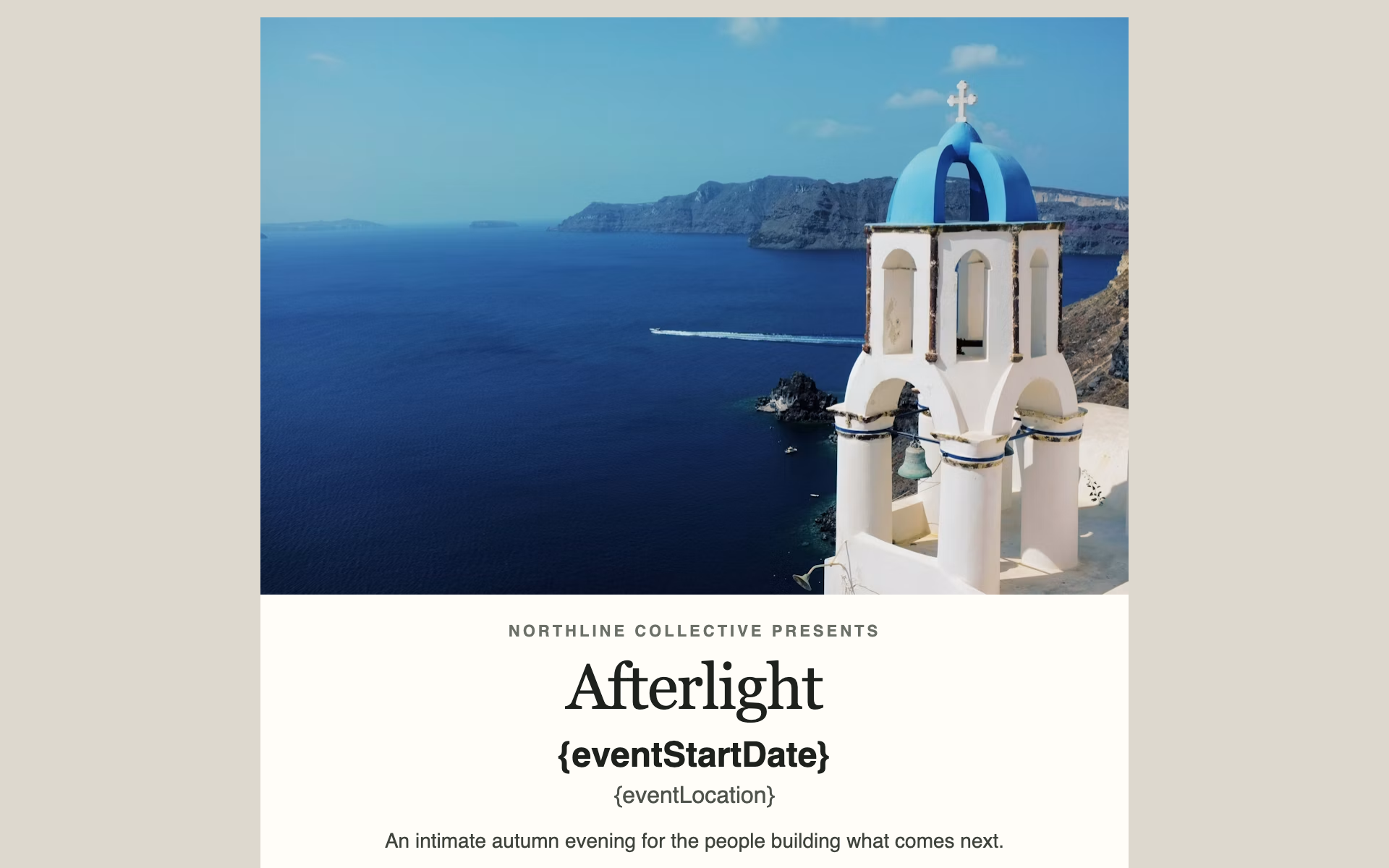
Save-the-Date Teaser
A single-screen announcement with one hero, the date, and one button. Built to be read and acted on in under ten seconds.
Event Email Prompts
A post-event email with a photo grid, the numbers that mattered, and a clear next step — sent to everyone who came, and to everyone who didn't.
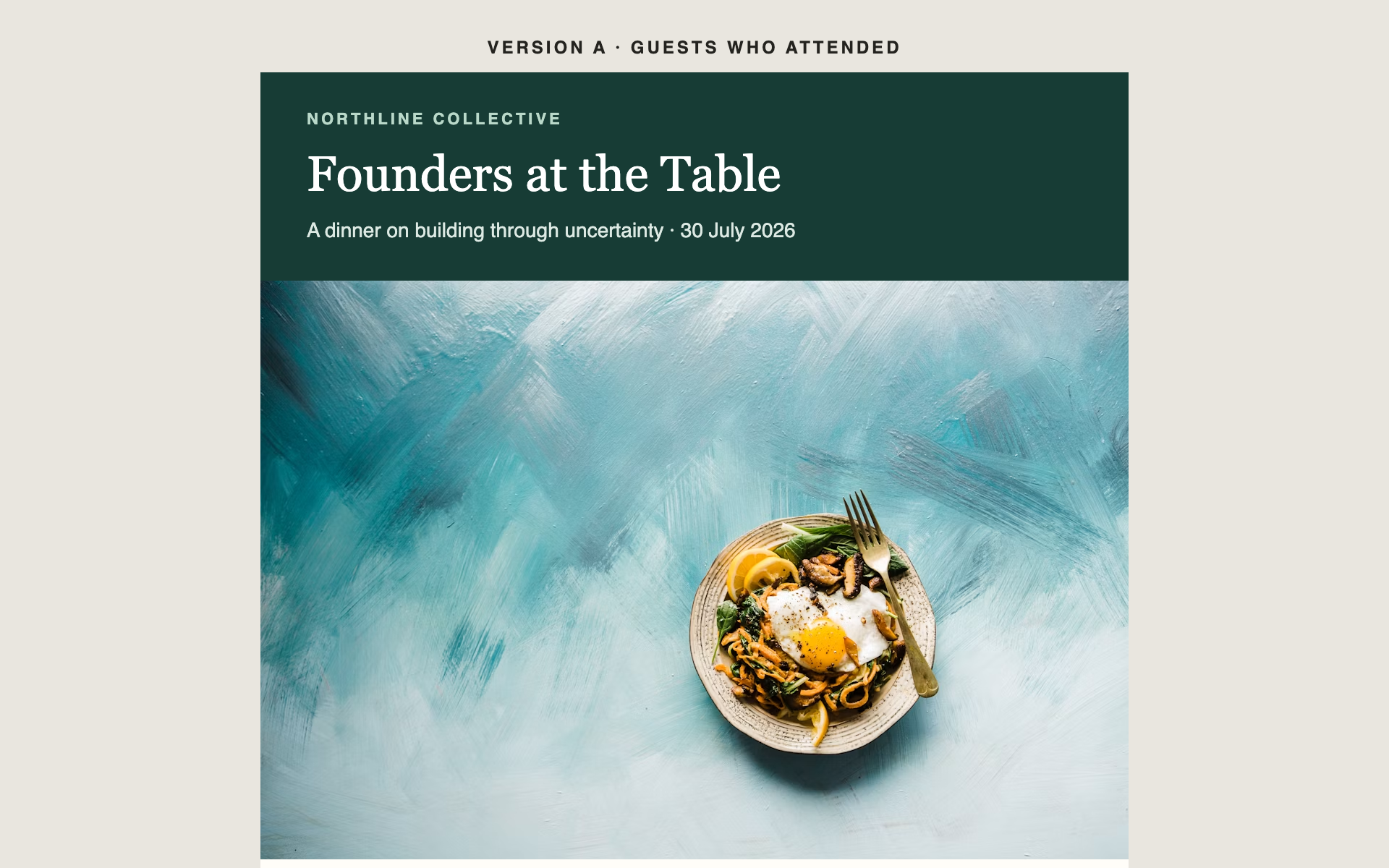
The email most teams mean to send and don't. Generates two variants in one pass — one for attenders, one for people who missed it — because sending "thanks for coming" to someone who didn't is the mistake everyone remembers.
Send this from the event's Campaigns tab, not Newsletters. It is scoped to one event and its check-in data, which a newsletter has no access to.
Create a post-event recap email for [EVENT NAME], a [describe the event in one line — e.g. "client dinner for 40 guests at a private room in Manhattan"] hosted by [YOUR ORGANISATION] on [DATE].

Produce TWO versions in one file, clearly labelled, sharing the same design:

VERSION A — for guests who attended:
1. A hero image placeholder with a caption.
2. A thank-you opening addressed to "{firstName}," — warm, two sentences, specific to this event. No corporate throat-clearing.
3. A short paragraph on the substance: what was discussed, who spoke, what stuck.
4. A photo grid, three across on desktop, stacking to one column on mobile, with alt text on every image.
5. An optional stat row — [X] guests, [Y] firms represented, [Z] cities. Only if I supply numbers.
6. One clear next step: the next event, a resource, or an introduction offer.

VERSION B — for guests who did not attend:
Same design, different copy. No guilt, no "we missed you at" framing that implies fault. Lead with what happened, keep it brief, and make the next-event invitation the point.

Design direction: [warm and personal / polished and understated / editorial]. Photography does the work — keep type restrained and let images carry it. Single accent colour, [#HEX], for links and the call-to-action button only.

The email must still read well with every image blocked. Write captions that carry meaning on their own.

Technical requirements — these are not stylistic preferences, they are what makes the email render correctly in Outlook, Gmail, and Apple Mail:

- Output ONE self-contained .html file. No external stylesheets, no external fonts, no JavaScript, no web fonts via @font-face.
- Use table-based layout only. No flexbox, no CSS grid, no position: absolute. Outlook's rendering engine ignores all three.
- Put all CSS inline as style attributes on elements. A <style> block in <head> may be stripped; anything you rely on must be inline.
- Maximum content width 600px, centred, inside a full-width wrapper table with an explicit background colour.
- Use only web-safe font stacks — Helvetica, Arial, Georgia, or system-ui — each with fallbacks. Never load a font.
- Set an explicit background-color AND color on every table cell containing text. Dark-mode clients invert unstyled backgrounds and will destroy your contrast.
- Every image needs a descriptive alt attribute and an absolute https:// URL. Many clients block images by default, so the email must still make sense with every image missing. Do not embed images as data: URIs — Gatsby strips them.
- Buttons are a table cell with a background colour and padding wrapping an <a>, never a styled <button> element.
- Minimum 14px body text and 44px tall tap targets. Most of these are read on a phone.
- Gatsby removes anything outside its allowlist before sending: no <script>, <iframe>, <form>, <object> or <embed>, no on* handlers, and no id attributes. Links must be http, https or mailto. Stick to tables, text, images and inline styles and none of this will bite.

Gatsby-specific — this email is sent FROM AN EVENT, using that event's Campaigns tab, so it has the event's details available:

- Personalisation tokens use SINGLE curly braces. The tokens that exist here:

  {firstName} {lastName} {nickname}
  {eventStartDate} {eventStartTime} {eventEndDate} {eventEndTime} {eventLocation}
  {rsvpLink} {publicRsvpLink} {saveTheDateLink} {surveyLink} {publicSurveyLink} {surveyRsvpLink}

- Any other brace token is replaced with an EMPTY STRING when the email sends. Three near-misses that all fail quietly:
  - {{firstName}} — doubled braces are an escape. The recipient sees the literal text {firstName}.
  - { firstName } — padding stops the lookup. The recipient sees the braces.
  - A misspelled name renders as nothing at all.

- You MUST include {unsubscribeLink} in the footer, as the href of a visible "Unsubscribe" link, and leave the physical mailing address as a clearly marked placeholder for me to fill in. Both are legally required and Gatsby does not add them for you on an event campaign.

- Do not add your own tracking pixels, open-tracking images, or link-wrapping. Gatsby handles tracking.

- Do not reference custom fields such as {field_Tier} in body copy. Any recipient missing a value for a referenced custom field has their email marked Failed and never receives it. A single-screen announcement with one hero, the date, and one button. Built to be read and acted on in under ten seconds.
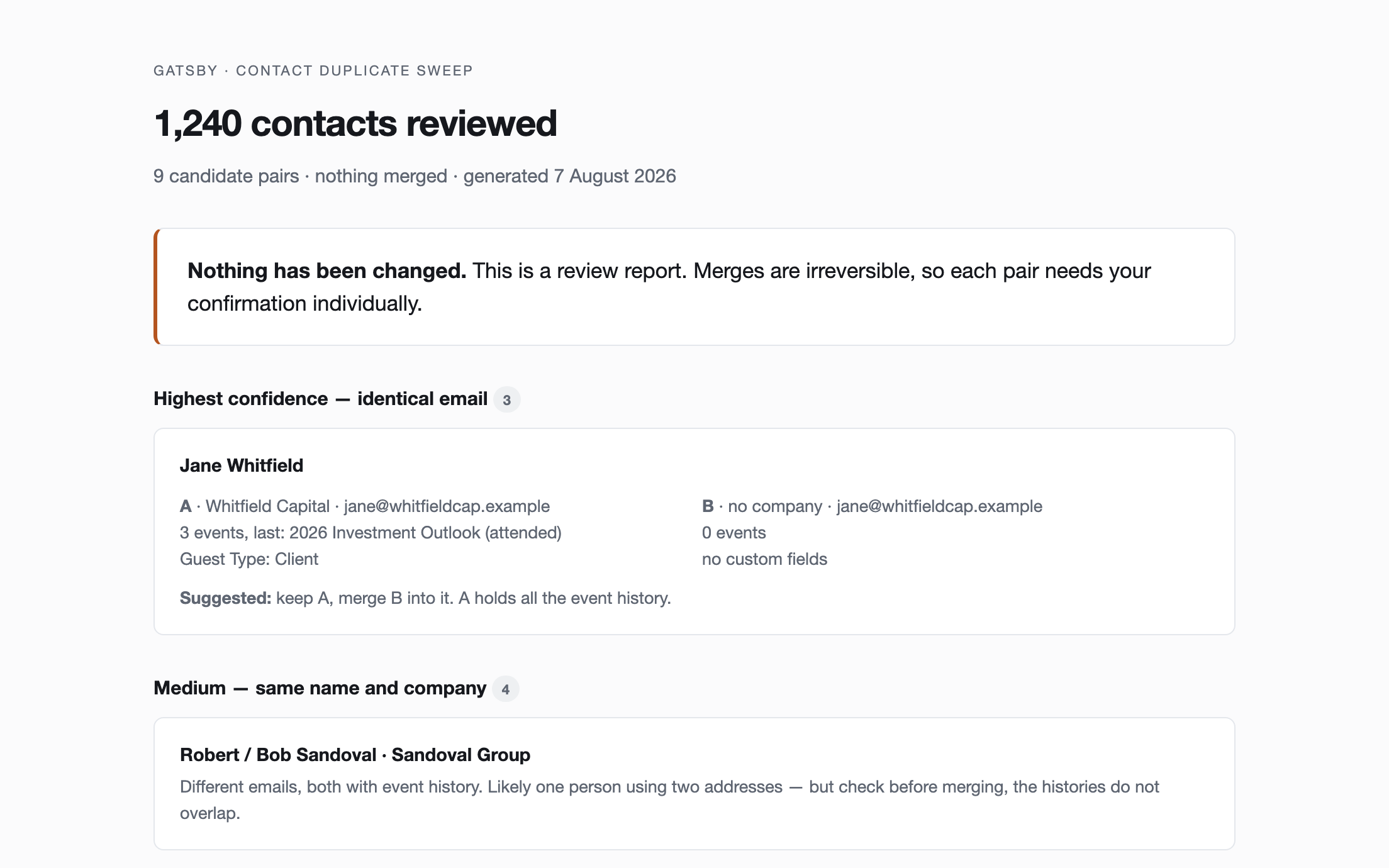
Find likely duplicate contacts, present them side by side with their event history, and merge only the pairs you confirm.
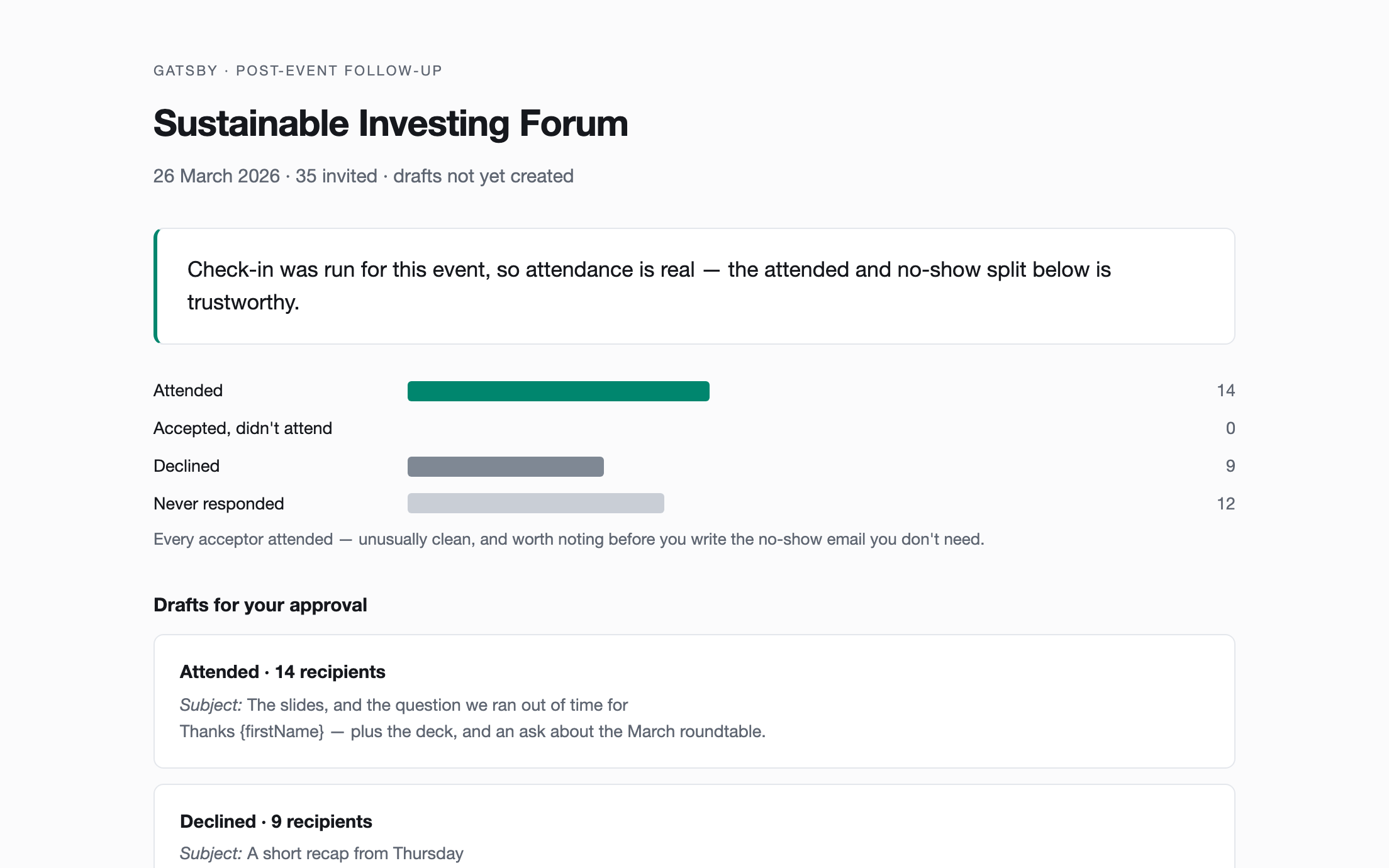
Split a guest list by what people actually did — attended, no-showed, declined, never responded — and draft a tailored follow-up for each.
Built something like this on Gatsby? We'd like to feature it.