
Event Recap 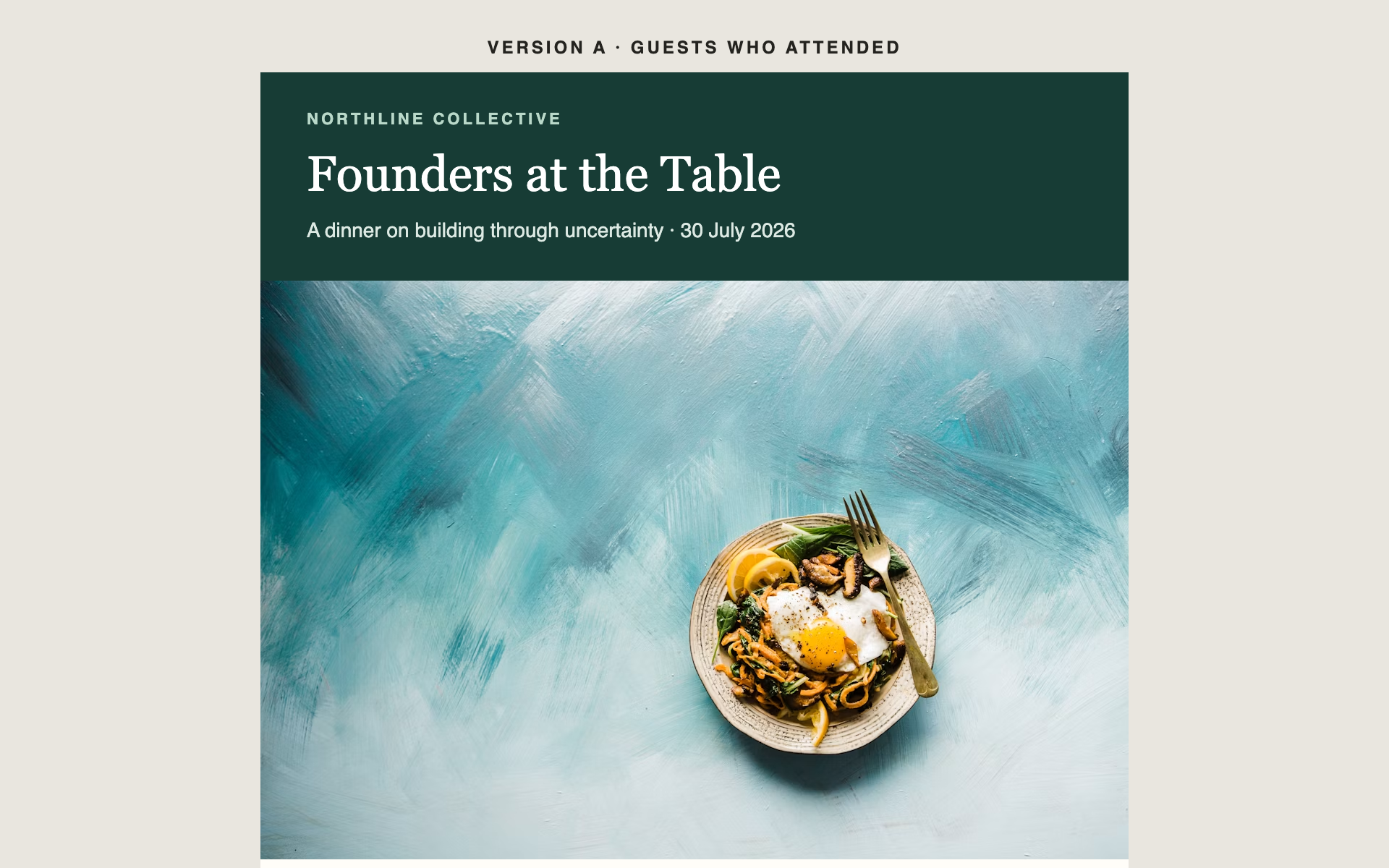
Event Recap
A post-event email with a photo grid, the numbers that mattered, and a clear next step — sent to everyone who came, and to everyone who didn't.
Event Email Prompts
A single-screen announcement with one hero, the date, and one button. Built to be read and acted on in under ten seconds.
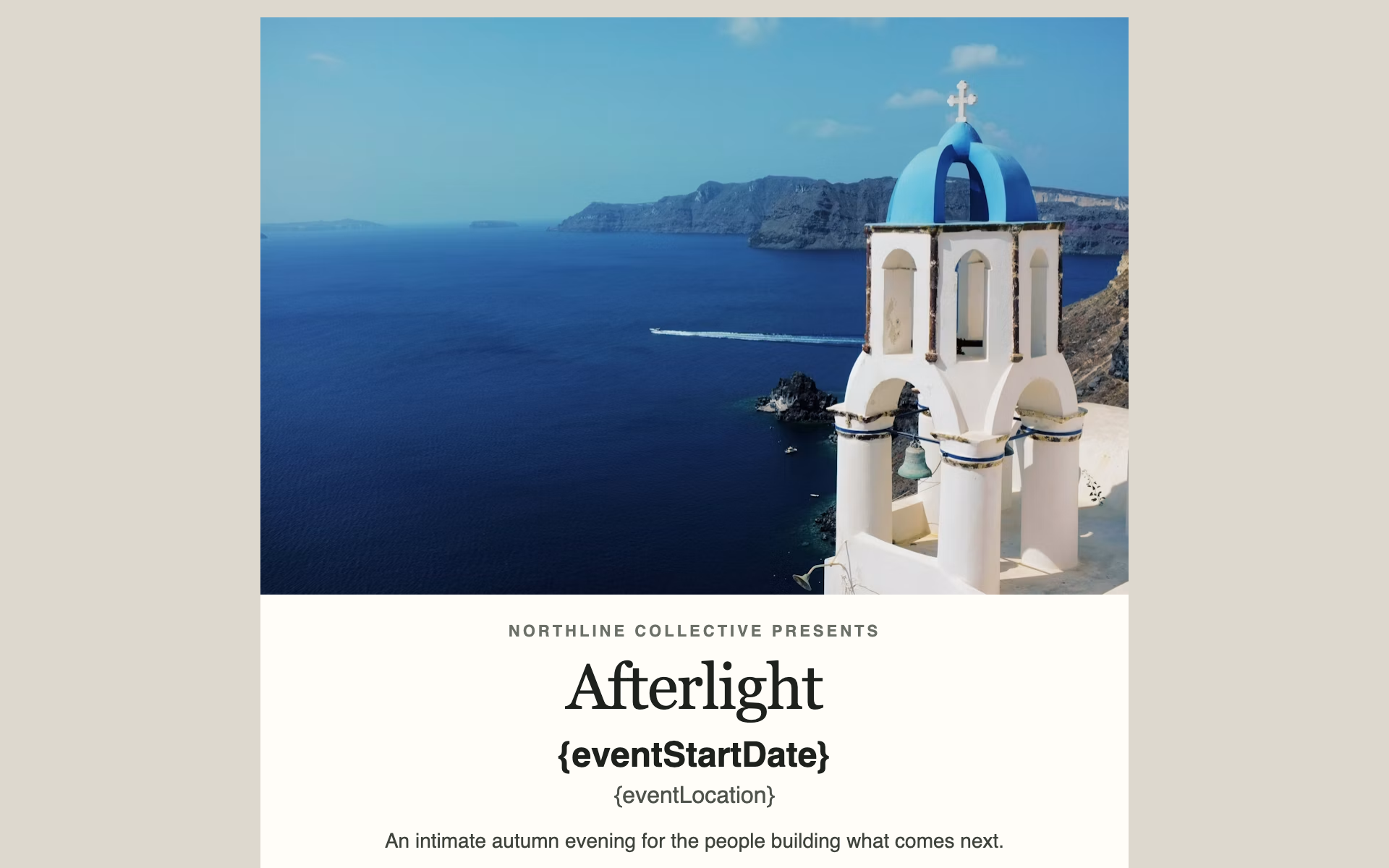
One job: get the date into the calendar. Everything that isn't the date, the event name, or the button is working against it.
Pairs with Gatsby's {saveTheDateLink} token so guests can register interest before the full invitation goes out.
Send this from the event's Campaigns tab, not Newsletters. It is built on event tokens, and a newsletter has no event attached — {saveTheDateLink}, {rsvpLink}, {eventStartDate} and {eventLocation} would each render as an empty string there.
{saveTheDateLink} here, not {rsvpLink}. A save-the-date that asks for a firm commitment before details exist gets declines you didn't need to collect.Create a save-the-date email for [EVENT NAME], hosted by [YOUR ORGANISATION] on [DATE] at [LOCATION].
This must fit on one phone screen without scrolling. Ruthless brevity.
Structure:
1. A hero image placeholder, 600px wide, with descriptive alt text.
2. The event name in large type — the biggest thing in the email.
3. The date and location, using {eventStartDate} and {eventLocation}, prominent and unmissable.
4. ONE sentence of context. One. Enough to convey why it matters, nothing more.
5. A single button: "Save the Date", linking to {saveTheDateLink}.
6. A one-line note that a full invitation follows.
7. A minimal footer: organisation name, physical address placeholder, unsubscribe link.
No agenda. No speaker list. No secondary links. If it isn't the name, the date, or the button, leave it out.
Design direction: [elegant and understated / bold and confident / warm]. The hero image and the date do the work. Single accent colour, [#HEX], for the button only.
The date must be legible at a glance from arm's length — at least 24px, high contrast.
Because the hero may be blocked, the email must work with no images at all. Test that mentally: with every image gone, the event name, date, and button should still land as a complete message.
Optionally personalise the opening with "{firstName}," — but only if it doesn't push the button below the fold.
Technical requirements — these are not stylistic preferences, they are what makes the email render correctly in Outlook, Gmail, and Apple Mail:
- Output ONE self-contained .html file. No external stylesheets, no external fonts, no JavaScript, no web fonts via @font-face.
- Use table-based layout only. No flexbox, no CSS grid, no position: absolute. Outlook's rendering engine ignores all three.
- Put all CSS inline as style attributes on elements. A <style> block in <head> may be stripped; anything you rely on must be inline.
- Maximum content width 600px, centred, inside a full-width wrapper table with an explicit background colour.
- Use only web-safe font stacks — Helvetica, Arial, Georgia, or system-ui — each with fallbacks. Never load a font.
- Set an explicit background-color AND color on every table cell containing text. Dark-mode clients invert unstyled backgrounds and will destroy your contrast.
- Every image needs a descriptive alt attribute and an absolute https:// URL. Many clients block images by default, so the email must still make sense with every image missing. Do not embed images as data: URIs — Gatsby strips them.
- Buttons are a table cell with a background colour and padding wrapping an <a>, never a styled <button> element.
- Minimum 14px body text and 44px tall tap targets. Most of these are read on a phone.
- Gatsby removes anything outside its allowlist before sending: no <script>, <iframe>, <form>, <object> or <embed>, no on* handlers, and no id attributes. Links must be http, https or mailto. Stick to tables, text, images and inline styles and none of this will bite.
Gatsby-specific — this email is sent FROM AN EVENT, using that event's Campaigns tab, so it has the event's details available:
- Personalisation tokens use SINGLE curly braces. The tokens that exist here:
{firstName} {lastName} {nickname}
{eventStartDate} {eventStartTime} {eventEndDate} {eventEndTime} {eventLocation}
{rsvpLink} {publicRsvpLink} {saveTheDateLink} {surveyLink} {publicSurveyLink} {surveyRsvpLink}
- Any other brace token is replaced with an EMPTY STRING when the email sends. Three near-misses that all fail quietly:
- {{firstName}} — doubled braces are an escape. The recipient sees the literal text {firstName}.
- { firstName } — padding stops the lookup. The recipient sees the braces.
- A misspelled name renders as nothing at all.
- You MUST include {unsubscribeLink} in the footer, as the href of a visible "Unsubscribe" link, and leave the physical mailing address as a clearly marked placeholder for me to fill in. Both are legally required and Gatsby does not add them for you on an event campaign.
- Do not add your own tracking pixels, open-tracking images, or link-wrapping. Gatsby handles tracking.
- Do not reference custom fields such as {field_Tier} in body copy. Any recipient missing a value for a referenced custom field has their email marked Failed and never receives it. A post-event email with a photo grid, the numbers that mattered, and a clear next step — sent to everyone who came, and to everyone who didn't.
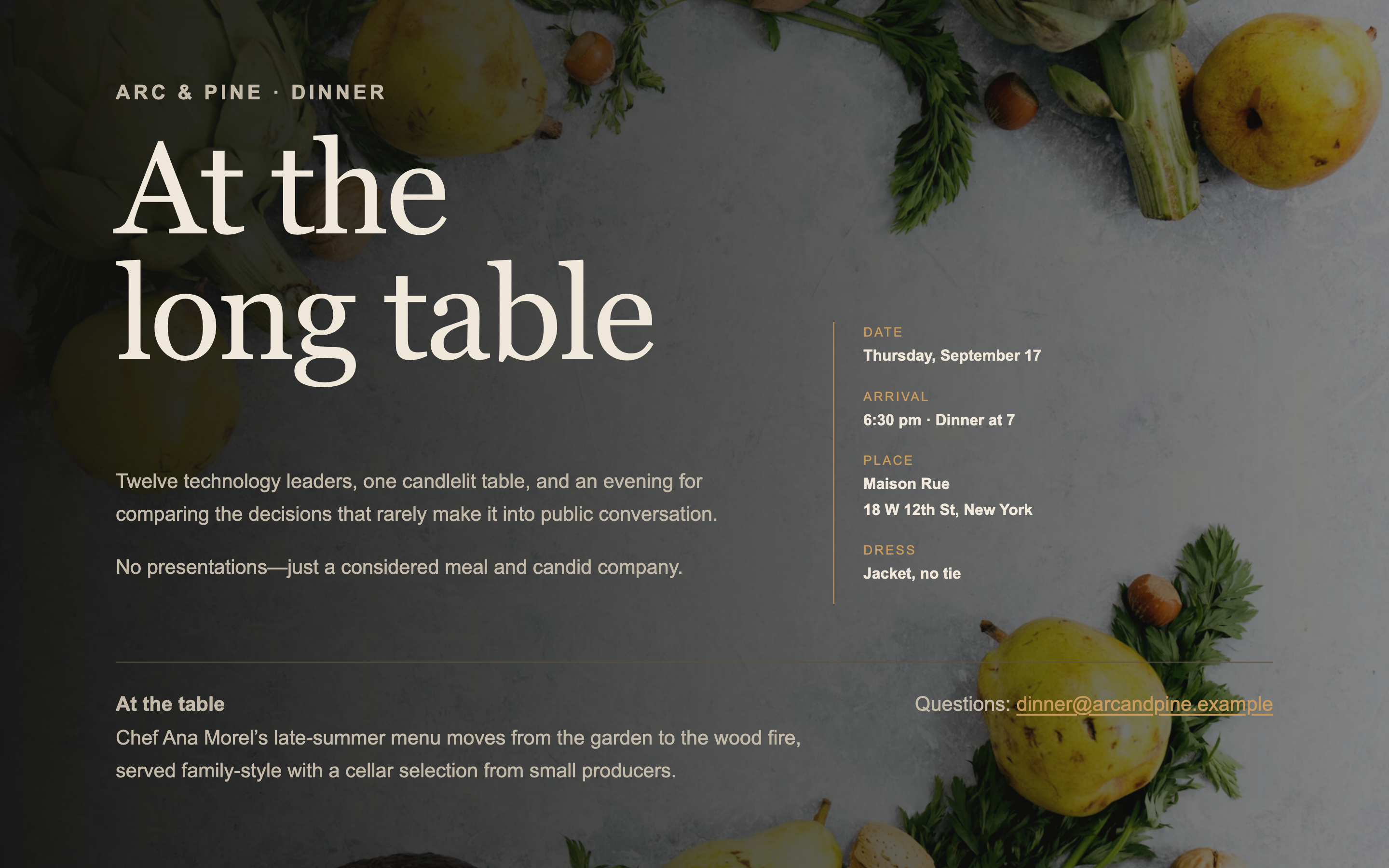
A single-screen page for an intimate dinner — venue, chef, and the shape of the evening. No scrolling, no agenda, no filler.
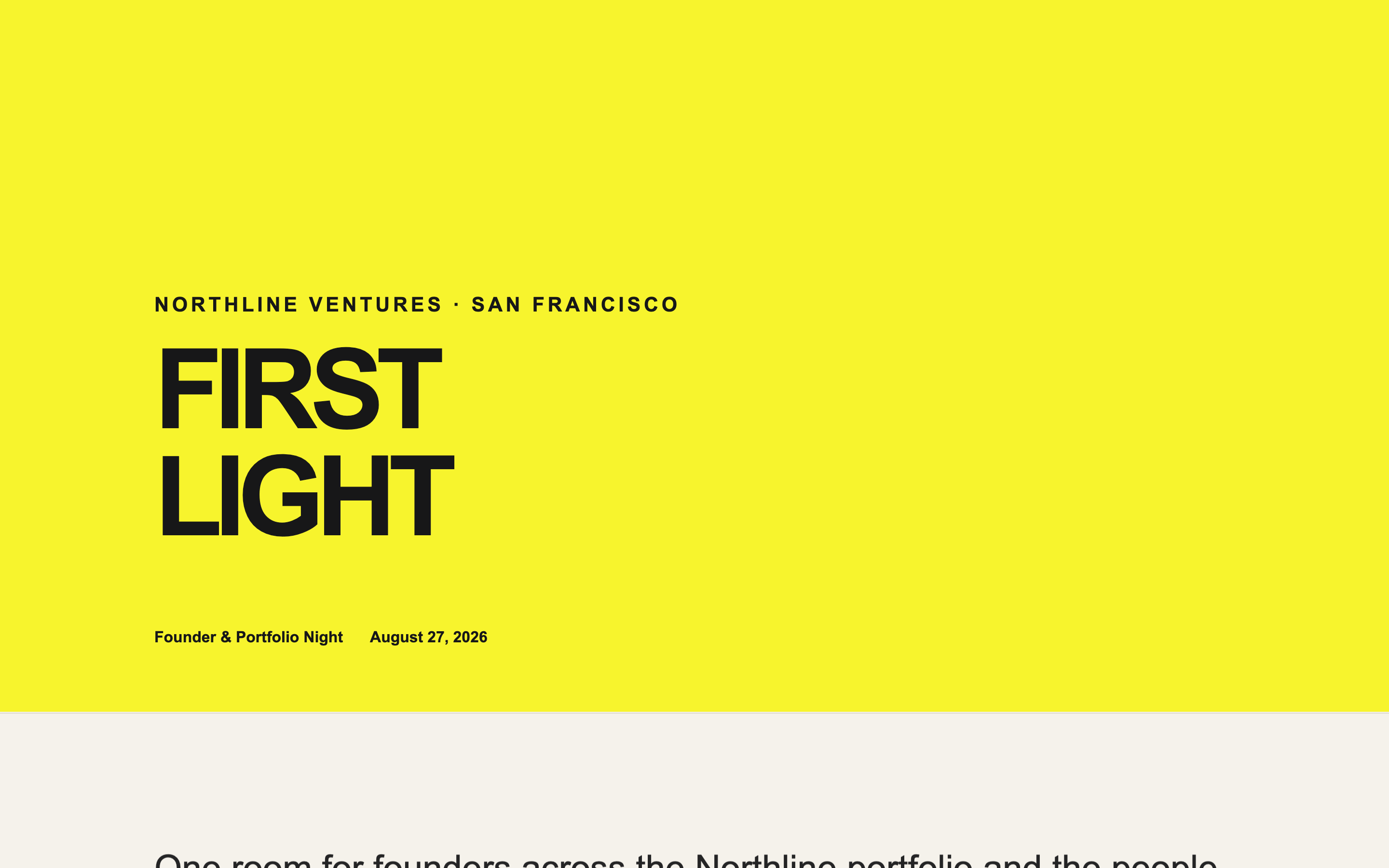
An energetic page for a founder community event, with a portfolio logo wall — lively without sliding into consumer-app territory.
Built something like this on Gatsby? We'd like to feature it.