
Monthly Community Newsletter 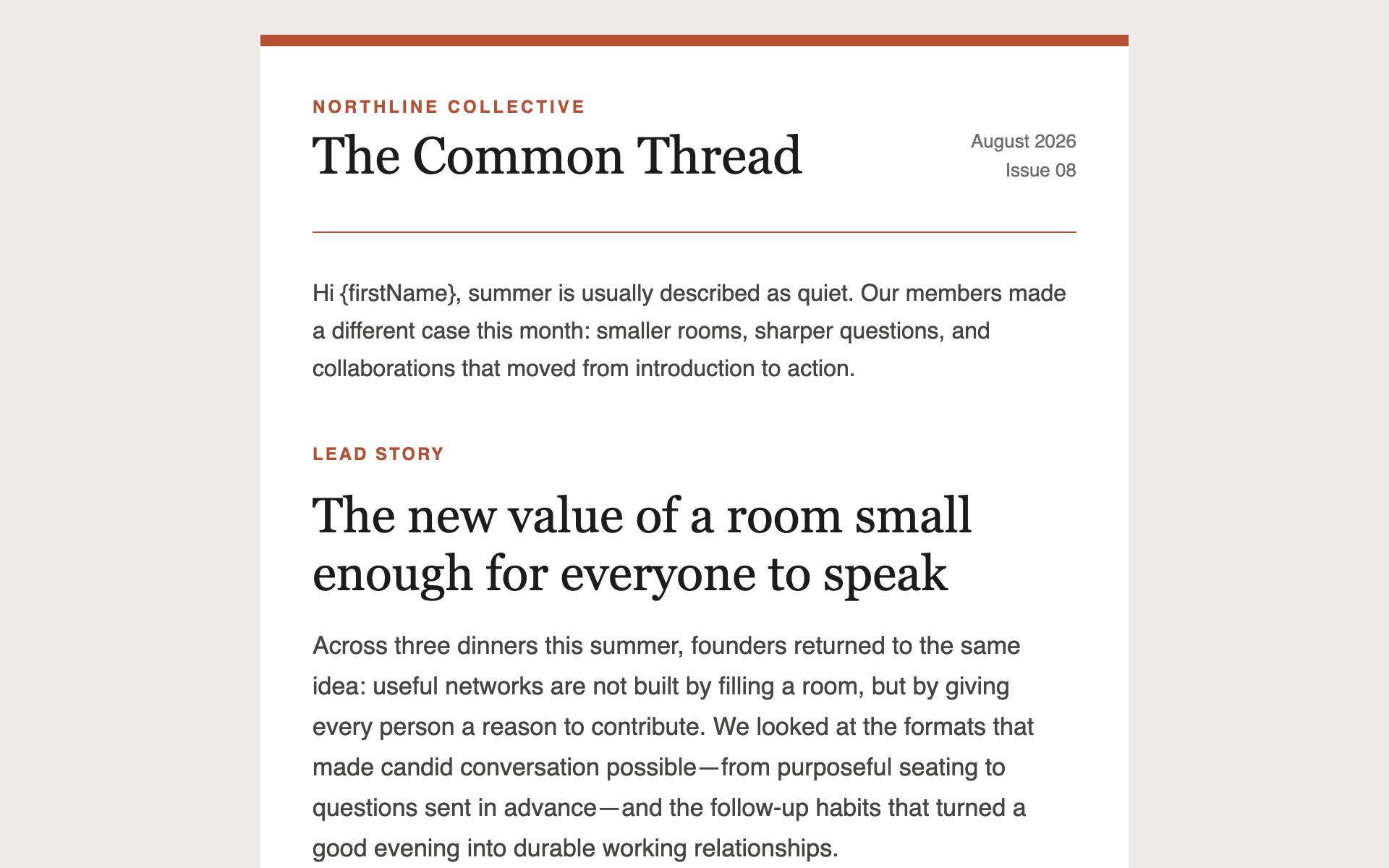
Monthly Community Newsletter
A multi-story newsletter layout with section dividers and read-more links — the workhorse format for a monthly update to clients, portfolio companies, or members.
Newsletter Prompts
Not one template — a reusable header, footer, and set of content blocks in your brand, which you assemble into any future email. Generate once, use for everything.
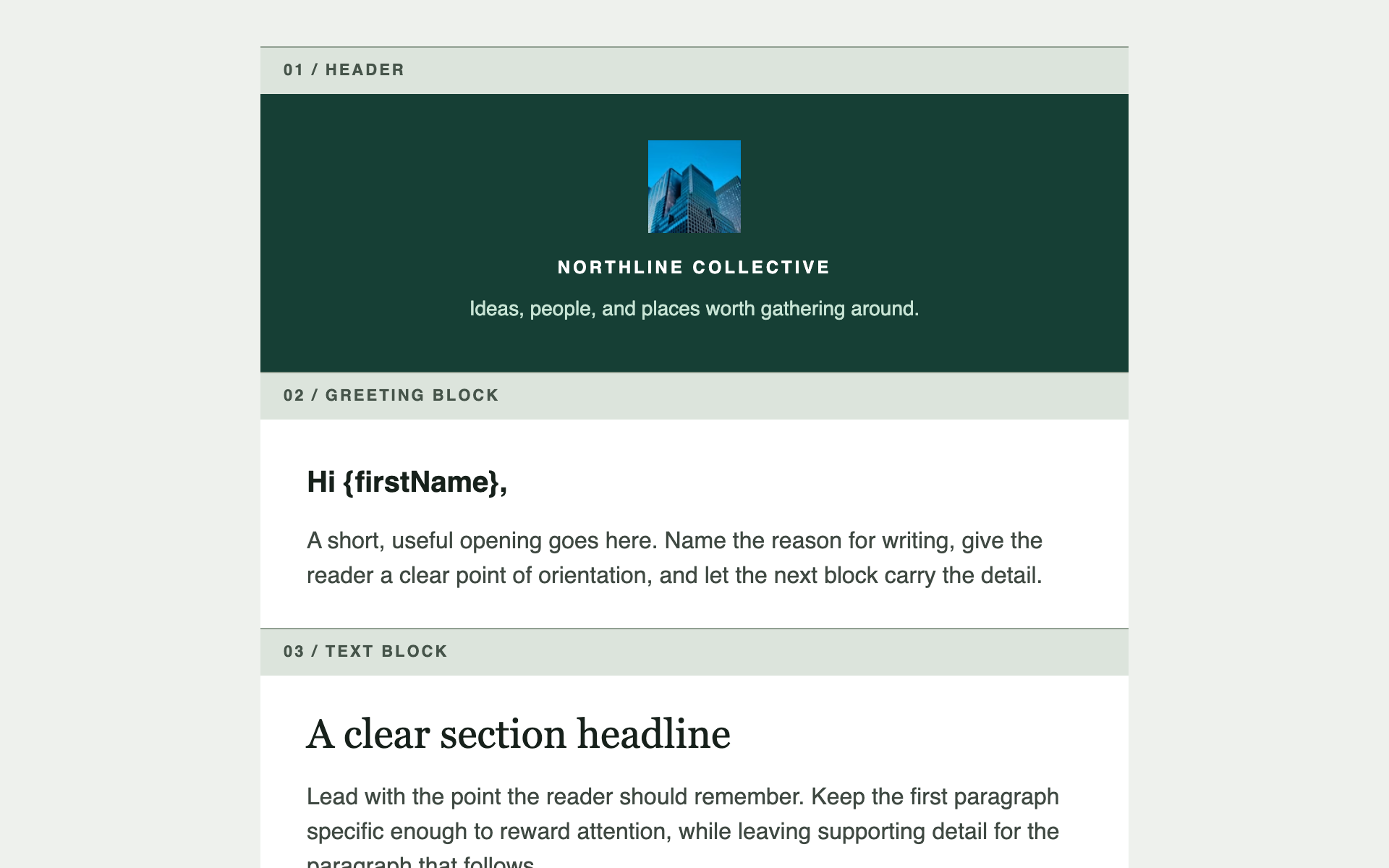
The highest-leverage item in this category. Rather than a finished email, it produces a kit — a branded header and footer plus five interchangeable content blocks, each independently copy-pasteable.
Run it once. Every subsequent email becomes assembly rather than generation, and they all match.
<style> block break the moment you paste one into a different email.I need a reusable email component kit for [YOUR ORGANISATION], not a single finished email. I will assemble future emails from these pieces, so each block must be independently copy-pasteable and must work in any order.
My brand: primary colour [#HEX], secondary colour [#HEX], typeface preference [serif / sans-serif / mixed], and overall character [describe in one line — e.g. "restrained and institutional, closer to a law firm than a startup"].
Produce ONE html file containing every component below, each preceded by a clearly visible labelled divider so I can find and copy it:
1. HEADER — organisation name as text, with an optional logo image placeholder above it. Must look correct with the logo blocked.
2. GREETING BLOCK — "Hi {firstName}," plus an intro paragraph.
3. TEXT BLOCK — a subhead and two body paragraphs. The workhorse.
4. BUTTON BLOCK — a single centred call-to-action, built as a table cell with background colour wrapping an anchor. Never a <button> element.
5. IMAGE-AND-CAPTION BLOCK — a full-width image with a caption beneath, both meaningful when the image is blocked.
6. TWO-COLUMN BLOCK — two side-by-side cells that stack to one column on mobile, built with tables only.
7. DIVIDER — a hairline rule with correct vertical spacing above and below.
8. FOOTER — organisation name, and optional social links as text. Do NOT add an unsubscribe link or a mailing address; Gatsby appends a locked footer carrying both.
Above the components, include a short usage note in an HTML comment explaining which blocks to combine for a newsletter, an announcement, and a recap.
Every block must carry its own inline styling and depend on nothing outside itself — no shared classes, no <style> block. I need to paste any block into any email and have it render identically.
Keep spacing consistent across all blocks so they stack without visual seams. Use one spacing scale — 8, 16, 24, 32, 48px — and nothing between.
Technical requirements — these are not stylistic preferences, they are what makes the email render correctly in Outlook, Gmail, and Apple Mail:
- Output ONE self-contained .html file. No external stylesheets, no external fonts, no JavaScript, no web fonts via @font-face.
- Use table-based layout only. No flexbox, no CSS grid, no position: absolute. Outlook's rendering engine ignores all three.
- Put all CSS inline as style attributes on elements. A <style> block in <head> may be stripped; anything you rely on must be inline.
- Maximum content width 600px, centred, inside a full-width wrapper table with an explicit background colour.
- Use only web-safe font stacks — Helvetica, Arial, Georgia, or system-ui — each with fallbacks. Never load a font.
- Set an explicit background-color AND color on every table cell containing text. Dark-mode clients invert unstyled backgrounds and will destroy your contrast.
- Every image needs a descriptive alt attribute and an absolute https:// URL. Many clients block images by default, so the email must still make sense with every image missing. Do not embed images as data: URIs — Gatsby strips them.
- Buttons are a table cell with a background colour and padding wrapping an <a>, never a styled <button> element.
- Minimum 14px body text and 44px tall tap targets. Most of these are read on a phone.
- Gatsby removes anything outside its allowlist before sending: no <script>, <iframe>, <form>, <object> or <embed>, no on* handlers, and no id attributes. Links must be http, https or mailto. Stick to tables, text, images and inline styles and none of this will bite.
Gatsby-specific — this is a NEWSLETTER, sent to subscribers on a schedule. There is no event attached to it.
- Personalisation tokens use SINGLE curly braces. These are the ONLY tokens that exist here. Do not invent others:
{firstName} {lastName} {nickname} {email}
{newsletterName} {companyLegalName}
Custom fields are also available as {field_YourFieldName} — letters, digits and underscores only. Only use one where every subscriber has a value.
- Any other brace token is replaced with an EMPTY STRING when the email sends. That includes anything event-related — there is no RSVP link, no event date, no venue, because a newsletter is not attached to an event. If the content calls for a link to an event, use a plain https:// URL and tell me to paste the real one in.
- Three ways to break a token that all fail quietly:
- {{firstName}} — doubled braces are an escape. The recipient sees the literal text {firstName}.
- { firstName } — padding stops the lookup. The recipient sees the braces.
- A misspelled name renders as nothing at all.
Gatsby's composer does warn about all three before you send, with line numbers — but the warnings are advisory and will not stop a send.
- DO NOT add an unsubscribe link or a physical mailing address, and note there is no token for either. Gatsby appends a locked footer carrying both to every newsletter automatically, so a copy in the body is duplicate legal text. If the structure above asks for a footer, give it the organisation name only.
- Do not add your own tracking pixels, open-tracking images, or link-wrapping. Gatsby handles tracking. A multi-story newsletter layout with section dividers and read-more links — the workhorse format for a monthly update to clients, portfolio companies, or members.
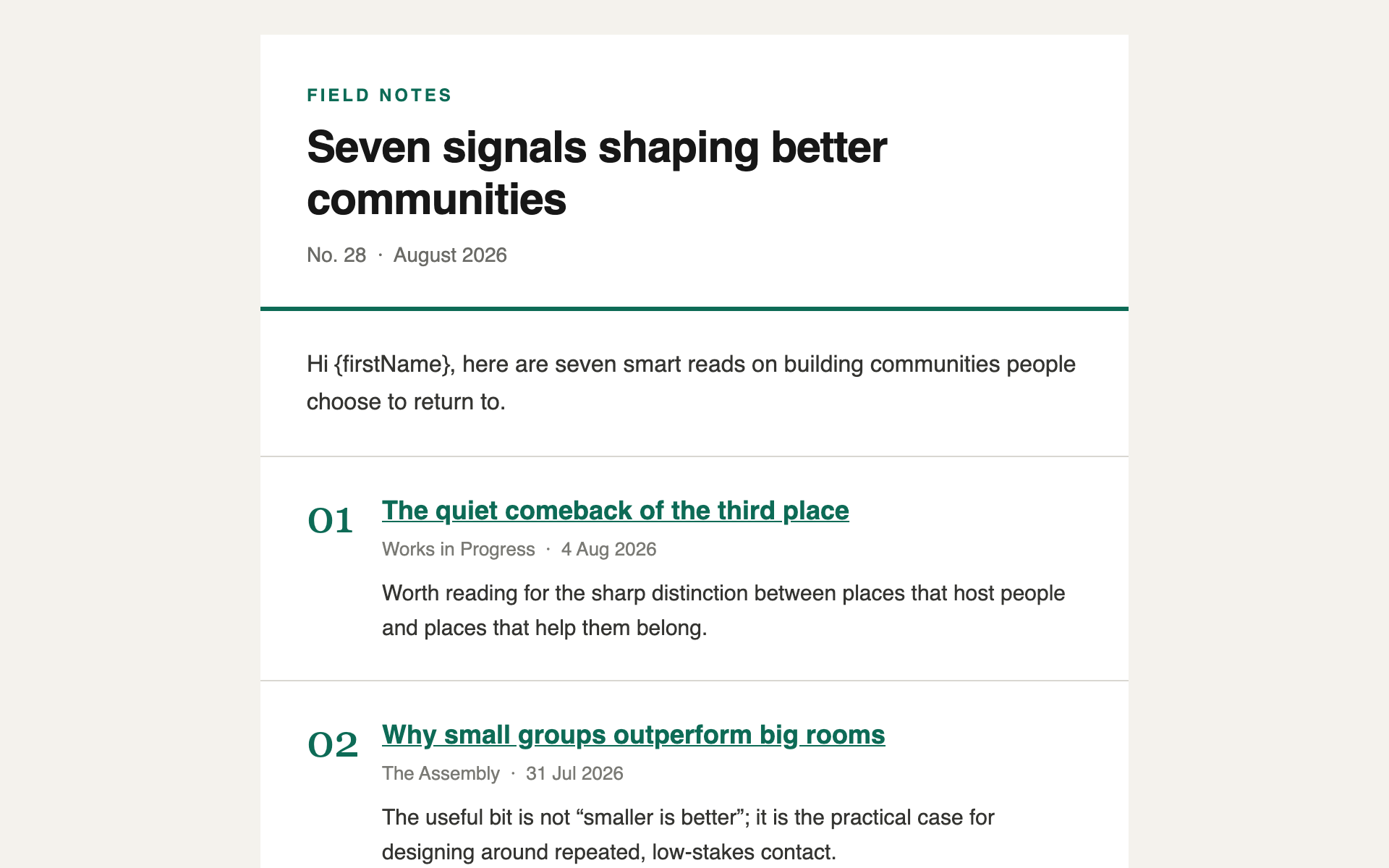
A minimal, typographic digest — a short list of links with one line of commentary each. The format that gets read on a phone in under a minute.
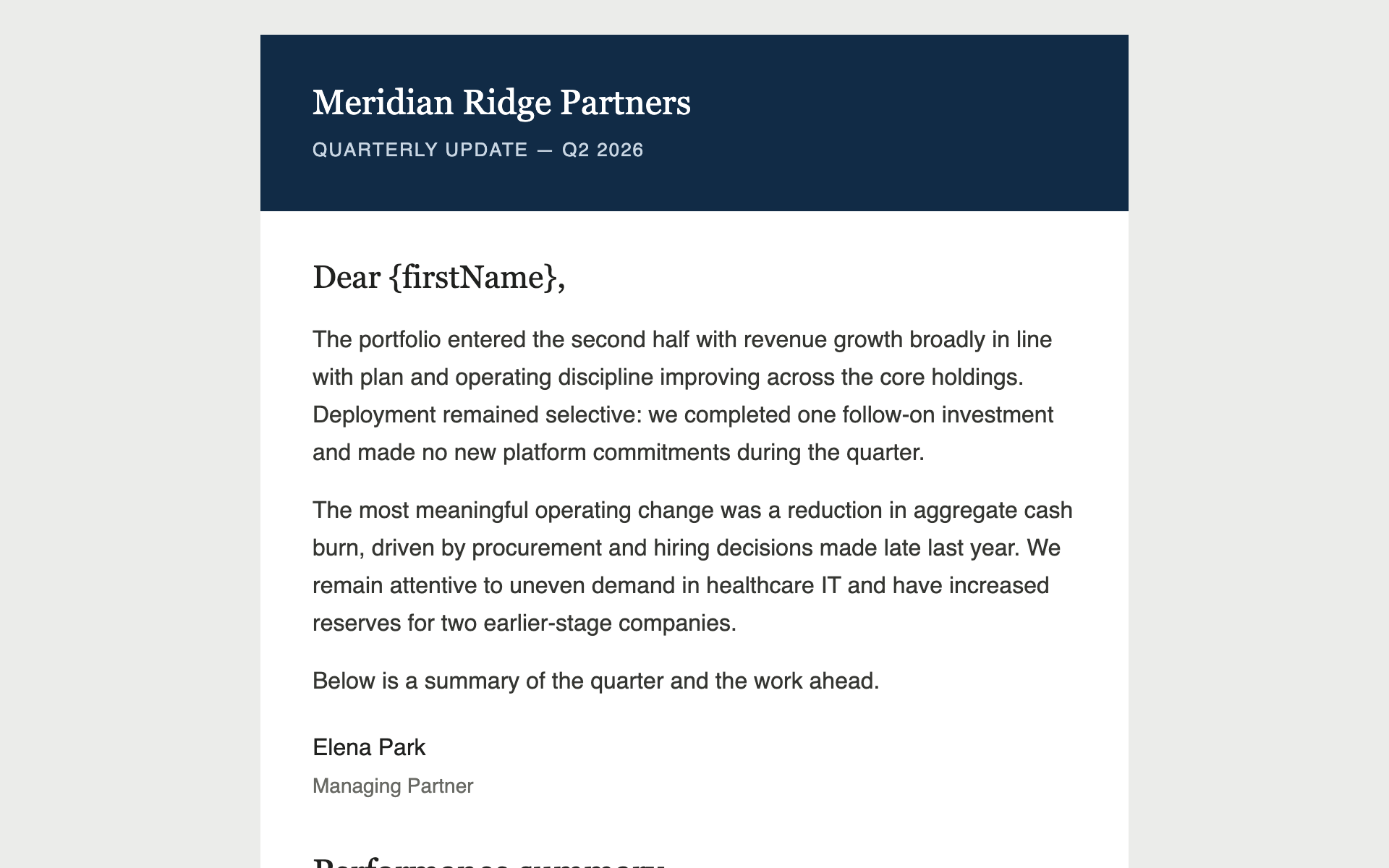
A restrained quarterly update for limited partners or clients — a data table, a chart rendered as an image, and copy that reads as institutional rather than promotional.
Built something like this on Gatsby? We'd like to feature it.