
Monthly Community Newsletter 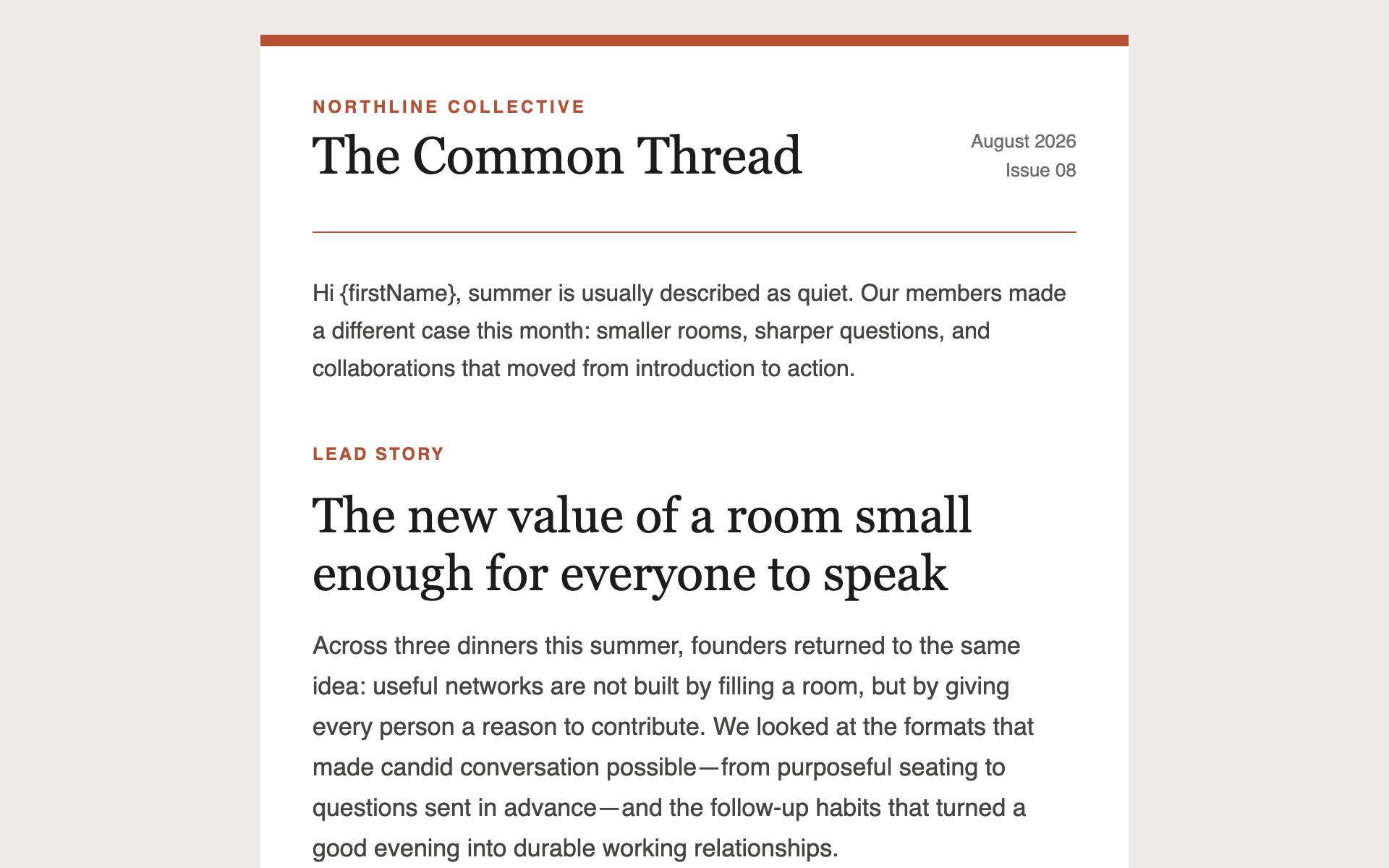
Monthly Community Newsletter
A multi-story newsletter layout with section dividers and read-more links — the workhorse format for a monthly update to clients, portfolio companies, or members.
Newsletter Prompts
A minimal, typographic digest — a short list of links with one line of commentary each. The format that gets read on a phone in under a minute.
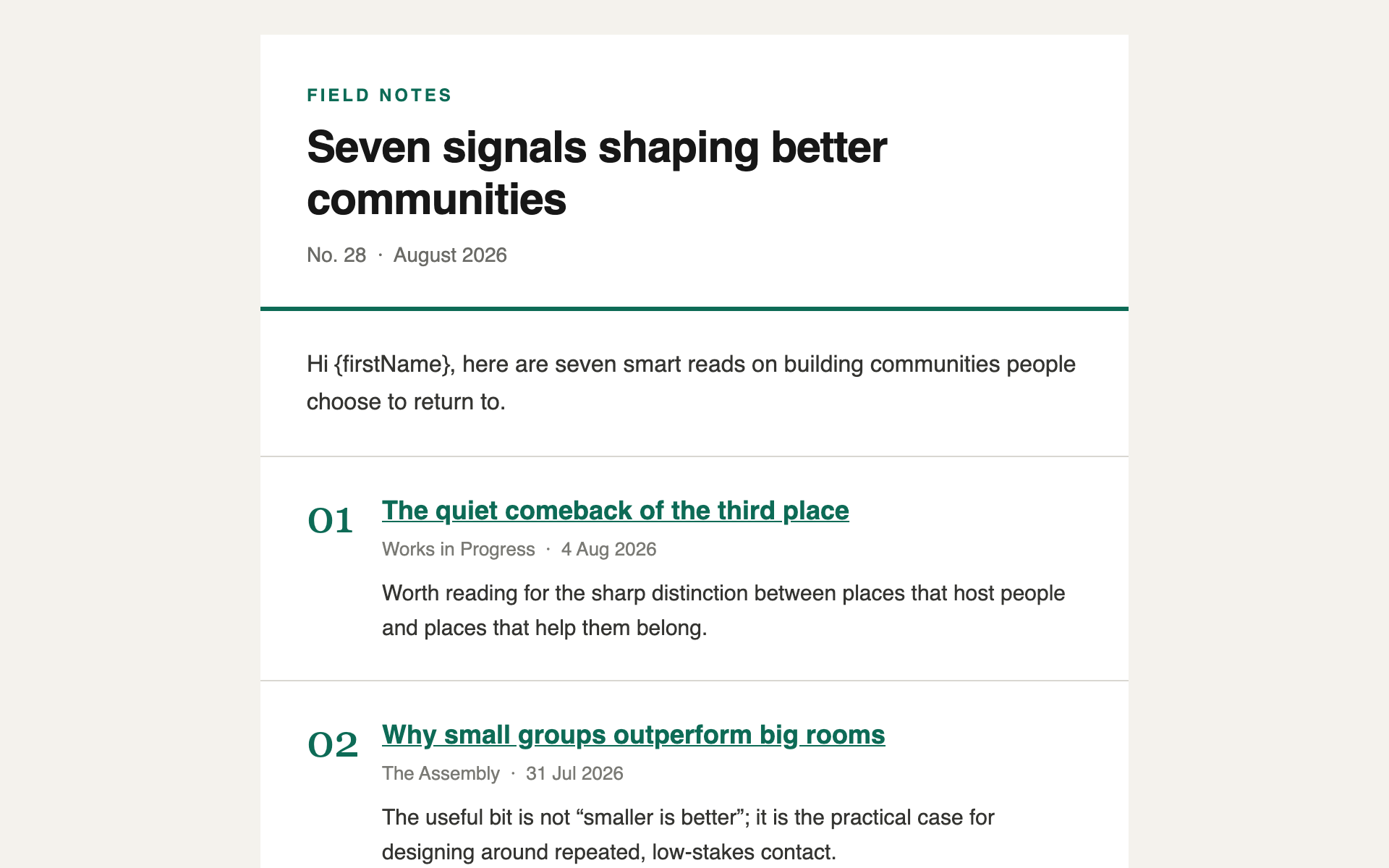
Deliberately plain. No images, no columns, no hero. Its value is that it takes forty seconds to read, which is why this format has the highest sustained open rates of anything here.
The right choice when you have taste to share but not time to produce a magazine.
Create a curated links digest email for [YOUR ORGANISATION], sent [weekly / monthly] to [describe your audience in one line].

Structure:

1. A plain text-only masthead: publication name and issue number or date. No logo, no image.
2. A one-sentence intro opening with "Hi {firstName},". Optional — design it so it can be deleted without leaving a gap.
3. Five to seven numbered entries. Each is:
   - A bold headline that is itself the link
   - The source and date in smaller grey text
   - ONE line of commentary in my voice explaining why it's worth reading
4. A short sign-off.
5. A footer: organisation name only. Do NOT add an unsubscribe link or a mailing address; Gatsby appends a locked footer carrying both.

Design direction: severely minimal. No images anywhere. No boxes, no cards, no background fills. Type, whitespace, and hairline rules only. One accent colour, [#HEX], for links.

Typography carries this entirely. Headlines clearly heavier than commentary, commentary clearly heavier than source lines. Generous line-height — 1.6 or more on body text. Comfortable at arm's length on a phone.

Make the numbers a genuine design element — set them larger and lighter, in the accent colour, aligned left of the headline.

Use realistic placeholder entries about [YOUR SUBJECT AREA], with commentary that sounds like a person with a view, not a summary. Don't use lorem ipsum.

Technical requirements — these are not stylistic preferences, they are what makes the email render correctly in Outlook, Gmail, and Apple Mail:

- Output ONE self-contained .html file. No external stylesheets, no external fonts, no JavaScript, no web fonts via @font-face.
- Use table-based layout only. No flexbox, no CSS grid, no position: absolute. Outlook's rendering engine ignores all three.
- Put all CSS inline as style attributes on elements. A <style> block in <head> may be stripped; anything you rely on must be inline.
- Maximum content width 600px, centred, inside a full-width wrapper table with an explicit background colour.
- Use only web-safe font stacks — Helvetica, Arial, Georgia, or system-ui — each with fallbacks. Never load a font.
- Set an explicit background-color AND color on every table cell containing text. Dark-mode clients invert unstyled backgrounds and will destroy your contrast.
- Every image needs a descriptive alt attribute and an absolute https:// URL. Many clients block images by default, so the email must still make sense with every image missing. Do not embed images as data: URIs — Gatsby strips them.
- Buttons are a table cell with a background colour and padding wrapping an <a>, never a styled <button> element.
- Minimum 14px body text and 44px tall tap targets. Most of these are read on a phone.
- Gatsby removes anything outside its allowlist before sending: no <script>, <iframe>, <form>, <object> or <embed>, no on* handlers, and no id attributes. Links must be http, https or mailto. Stick to tables, text, images and inline styles and none of this will bite.

Gatsby-specific — this is a NEWSLETTER, sent to subscribers on a schedule. There is no event attached to it.

- Personalisation tokens use SINGLE curly braces. These are the ONLY tokens that exist here. Do not invent others:

  {firstName} {lastName} {nickname} {email}
  {newsletterName} {companyLegalName}

  Custom fields are also available as {field_YourFieldName} — letters, digits and underscores only. Only use one where every subscriber has a value.

- Any other brace token is replaced with an EMPTY STRING when the email sends. That includes anything event-related — there is no RSVP link, no event date, no venue, because a newsletter is not attached to an event. If the content calls for a link to an event, use a plain https:// URL and tell me to paste the real one in.

- Three ways to break a token that all fail quietly:
  - {{firstName}} — doubled braces are an escape. The recipient sees the literal text {firstName}.
  - { firstName } — padding stops the lookup. The recipient sees the braces.
  - A misspelled name renders as nothing at all.
  Gatsby's composer does warn about all three before you send, with line numbers — but the warnings are advisory and will not stop a send.

- DO NOT add an unsubscribe link or a physical mailing address, and note there is no token for either. Gatsby appends a locked footer carrying both to every newsletter automatically, so a copy in the body is duplicate legal text. If the structure above asks for a footer, give it the organisation name only.

- Do not add your own tracking pixels, open-tracking images, or link-wrapping. Gatsby handles tracking. A multi-story newsletter layout with section dividers and read-more links — the workhorse format for a monthly update to clients, portfolio companies, or members.
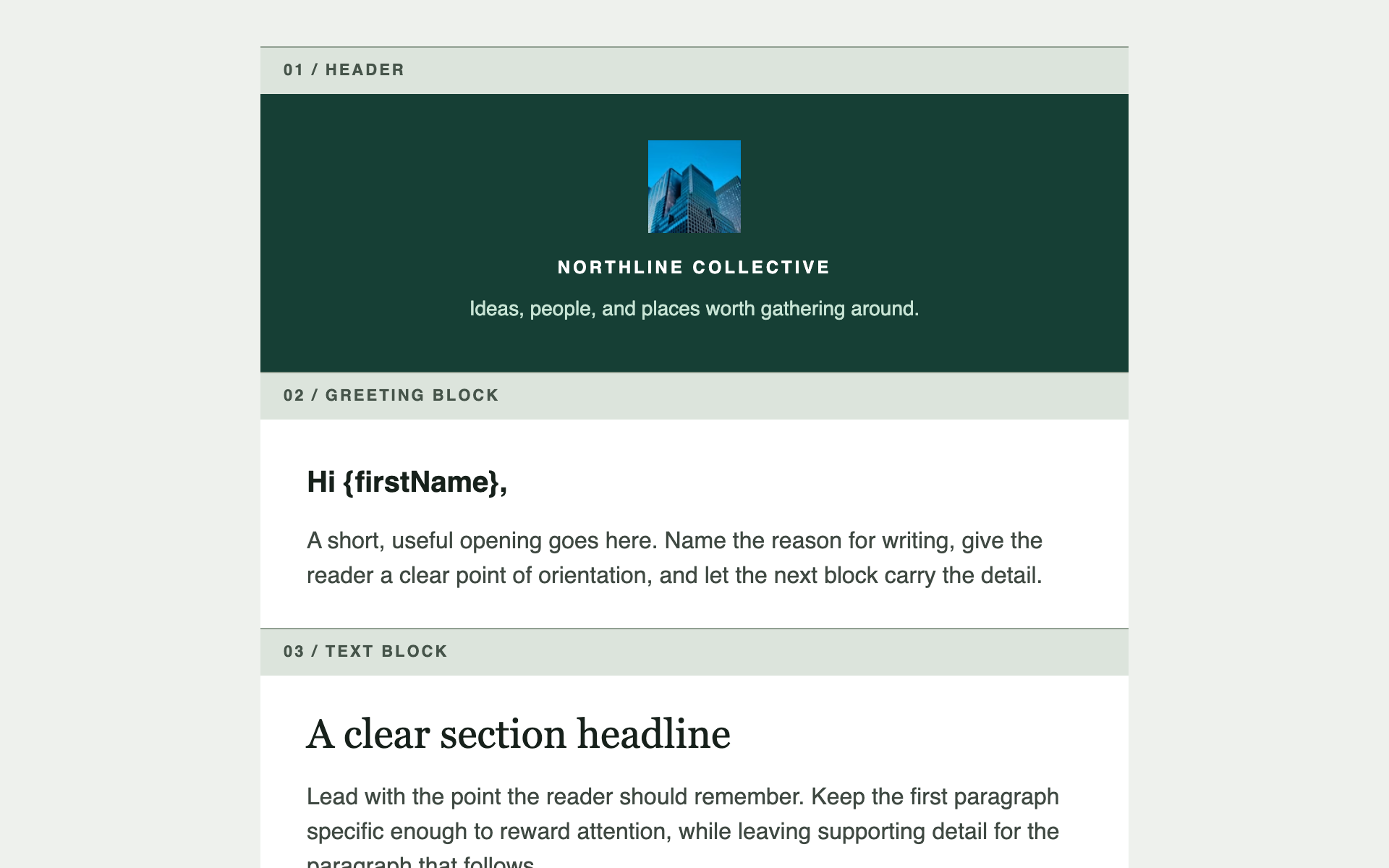
Not one template — a reusable header, footer, and set of content blocks in your brand, which you assemble into any future email. Generate once, use for everything.
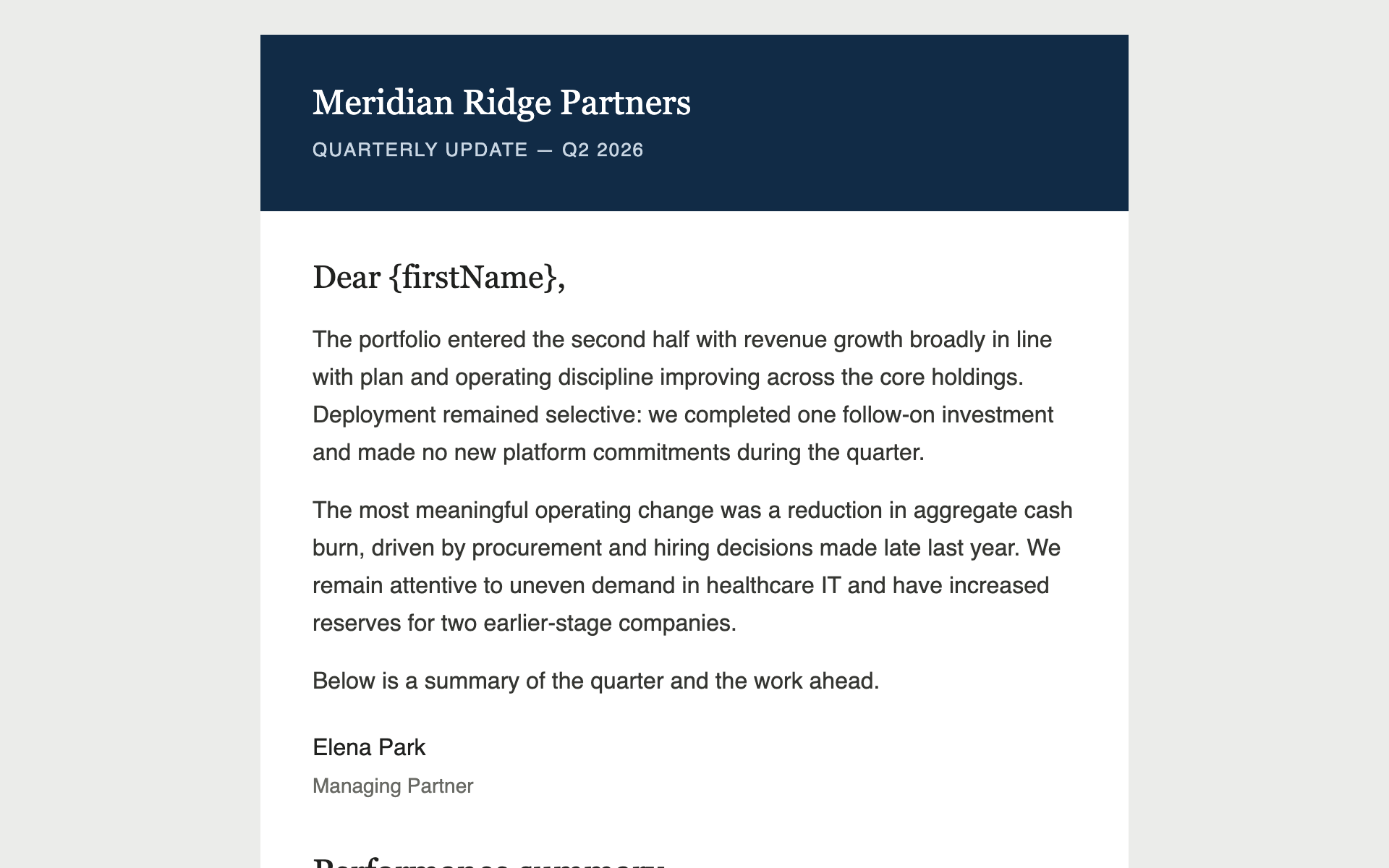
A restrained quarterly update for limited partners or clients — a data table, a chart rendered as an image, and copy that reads as institutional rather than promotional.
Built something like this on Gatsby? We'd like to feature it.